
Create a QR code
Make a QR code that keeps working. Ours encode your data directly, so there is no redirect that can be switched off later.
- Design it your way
- Add your logo
- Permanent by design
Content
Routes scans through a short link on our domain so you can change the destination after printing and see scan counts. Leave it off for a permanent code that encodes your address directly.
Design
Pattern style
Corner border style
Corner centre style
Everything happens in your browser and downloads directly. What you type never reaches our servers or anyone else's.
How to create a QR code
-
Choose what the code should contain
A website link, plain text, a WiFi network, a contact card, an email, a phone number or an SMS. The form adapts to what you pick.
-
Style it in the live preview
Pick a dot, rounded or bar pattern, shape the corner eyes, set your own colours and add a frame with a label. Every change shows instantly.
-
Add a logo if you want one
Drop your own logo in the centre or pick a built-in icon. Error correction rises automatically so the code still scans reliably.
-
Download and test
Save as PNG for screens and documents, or SVG for print at any size. Scan it once with your phone camera before a big print run.
What can a QR code contain?
A QR code is just data your camera can read. Pick the type in the designer and the right form appears, so you never have to hand-write the format.
Website link
Send people to any URL: your site, a menu, a booking page or a social profile.
WiFi network
Guests join your network with one scan instead of typing a password.
Contact card
A vCard that saves your name, number and email straight to their contacts.
Plain text
Show a message, a serial number or short instructions on scan.
Opens a pre-addressed email, with an optional subject and message.
Phone number
Starts a call to your number with a single tap.
SMS
Opens a text message to your number with the message pre-filled.
Design it your way
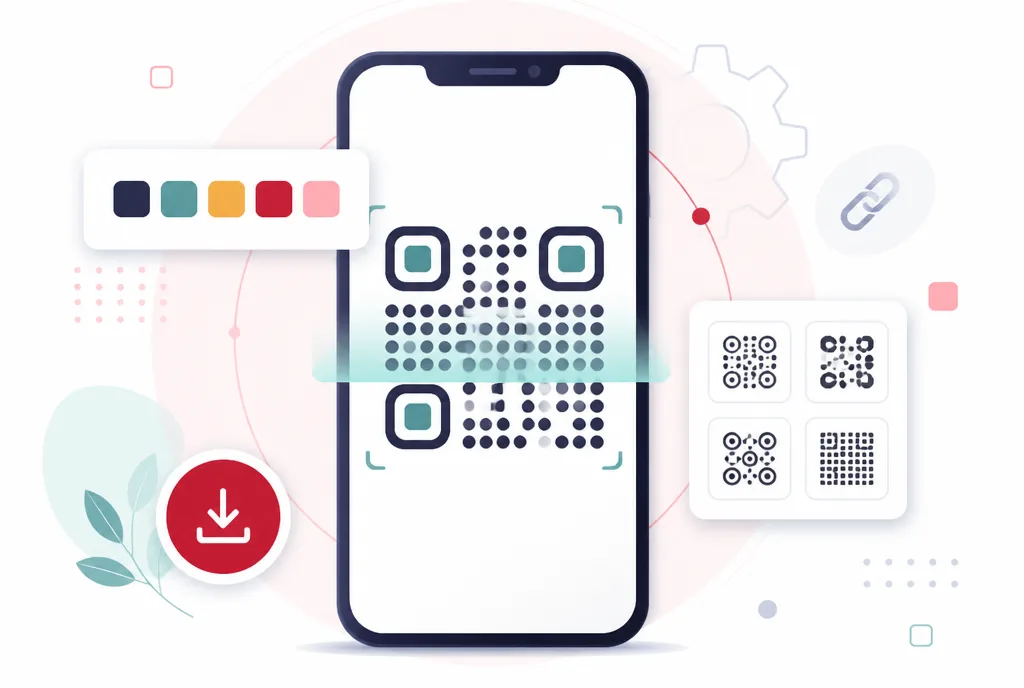
Pick from dot, rounded and bar patterns, style the corner eyes, set your colours and add a frame with its own label. The preview updates as you work.
Add your logo
Drop your own logo in the centre or pick a built-in icon. Error correction rises automatically so the code still scans.
Permanent by design
The data is encoded directly in the image rather than pointing at our servers. Nothing expires and nothing breaks if we are not around. Paid accounts can opt into dynamic codes with an editable destination when that trade is worth it.
Private and tracker-free
The code is generated in your browser and downloads directly. What you type never reaches a server, and no redirect means no scan tracking.
Print-ready vector output
Download as SVG for signage and print at any size without pixelation.
No account needed
Upload, do the work, download. We do not put a sign-up wall in front of the thing you came here to do.
Questions
Will this QR code stop working?
No. The content is stored inside the code itself, so it works forever and does not depend on us.
Can I change where it points later?
A standard code, no: the address is baked into the pixels, which is what makes it permanent. If you need an editable destination, paid accounts can switch on a dynamic code, a short link on our domain you can repoint any time, with private scan counts.
Will it still scan with a logo or custom shapes?
Yes. QR codes carry built-in error correction, and the designer raises it automatically when you add a logo. Keep a dark code on a light background and test a print before a big run.
What size should a printed QR code be?
A useful rule of thumb is scan distance divided by ten: a code scanned from arm’s length should be at least 2 cm wide, a poster across a room needs 20 cm or more. Leave a quiet white margin around it and print larger when in doubt.
Should I download PNG or SVG?
PNG is right for screens, documents and most everyday uses. SVG is a vector format, so it stays perfectly sharp at any size, which makes it the safe choice for business cards, posters and signage.
Is it really free?
Yes. Static codes are free and unlimited, with no account, no watermark and no expiry. Only dynamic codes, whose destination you can edit after printing, are part of paid plans.