
Split a PDF
Break a PDF into separate documents: one per page, fixed-size chunks, or the specific ranges you choose.
- Three ways to split
- See the pages first
- Processed on our own servers
- Privacy first Files auto-delete in 2 hours
- Fast results On our own servers
- No watermarks Clean output, no sign-up
- No install needed Works in any browser
Upload your file
Drop your PDF here
Up to 100 MB
Processed on our own servers, never sent to a third-party service. Files are deleted automatically after two hours, and you can delete them sooner from the result screen.
How to split PDF pages
-
Upload the PDF you want to split
Drag it into the box or pick it from your device. Page previews appear right away, so you can see what you are working with before anything happens.
-
Click between pages to place the cuts
Every gap between two pages is clickable: a scissors mark shows where a new file will start. Prefer settings? Choose one file per page, fixed-size chunks, or type ranges like 1-3, 7, 15-20.
-
Download single files or the ZIP
Every part is listed by its page range with its own download button, and the whole set comes as one ZIP. Files are deleted from our servers after two hours.
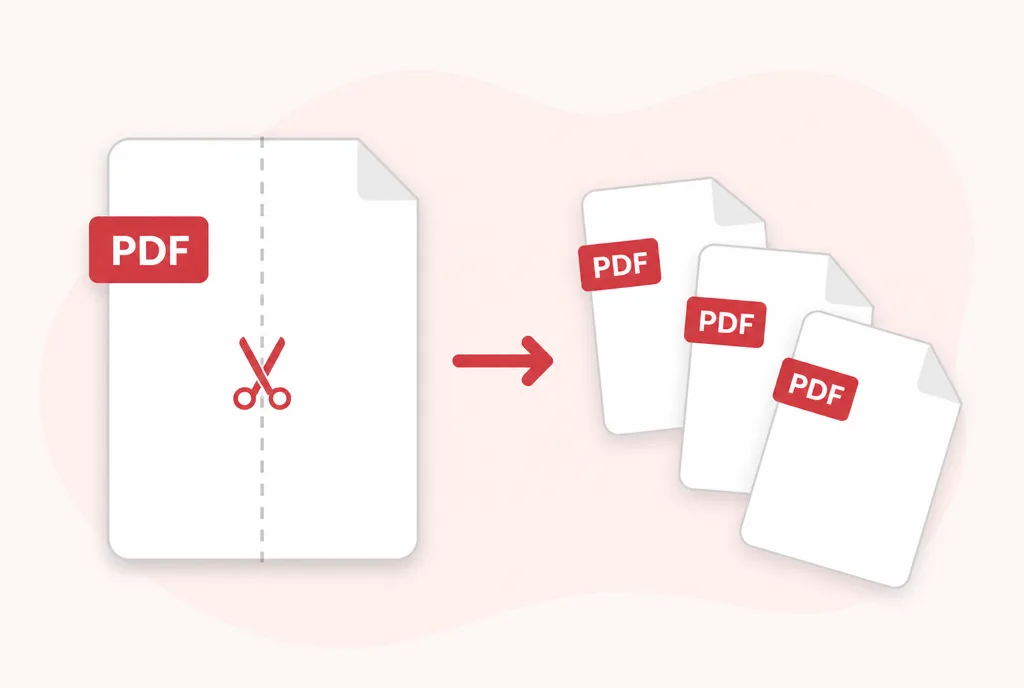
Three ways to cut a document
The right split depends on what the document is. All three methods produce the same thing: separate, full-quality PDFs with nothing re-compressed and no watermark.
One file per page
Every page becomes its own PDF. The fastest way to turn a scanned batch of receipts or certificates into separate files.
Fixed number of pages
Cut every 2, 10 or 50 pages. Useful for statements and reports that repeat in equal blocks.
Custom ranges
Cut exactly where it matters: keep chapters together, pull out one section, or mix single pages and ranges like 1-3, 7, 15-20.
When splitting helps
Send it past email limits
A 60-page attachment bounces where three 20-page parts sail through. Splitting is the quickest fix for attachment size caps.
Share only what they need
Send a client their chapter, not the whole report. One range, one file, nothing extra disclosed.
Separate scanned batches
Bulk scanners produce one long PDF. Split it back into the individual invoices, contracts or forms it really is.
Keep archives organised
File each statement, policy or certificate on its own so search and retrieval stay simple later.
Three ways to split
One file per page, fixed-size groups, or explicit ranges like 1-3, 8, 12-20. Pick whichever matches what you are doing.
See the pages first
Page thumbnails load before you commit, so you can confirm you are cutting in the right place.
Processed on our own servers
Your file is never handed to a third-party API. It is deleted automatically two hours after upload, and you can delete it sooner from the result screen.
No account needed
Upload, do the work, download. We do not put a sign-up wall in front of the thing you came here to do.
Questions
Can I extract just a few specific pages?
Yes. Choose custom ranges and enter something like 1-3, 7, 15-20. You can also use the Extract Pages tool if you want them in one file.
How long are my files kept?
Two hours, then they are deleted automatically. There is also a delete button on the result screen if you want them gone immediately.
Do you look at the contents of my documents?
No. Files are processed automatically and are never read by a person or used to train any model.
Is there a watermark on the result?
No. What you download is exactly what the tool produced.