EPUB, MOBI or AZW3: which ebook file you actually have
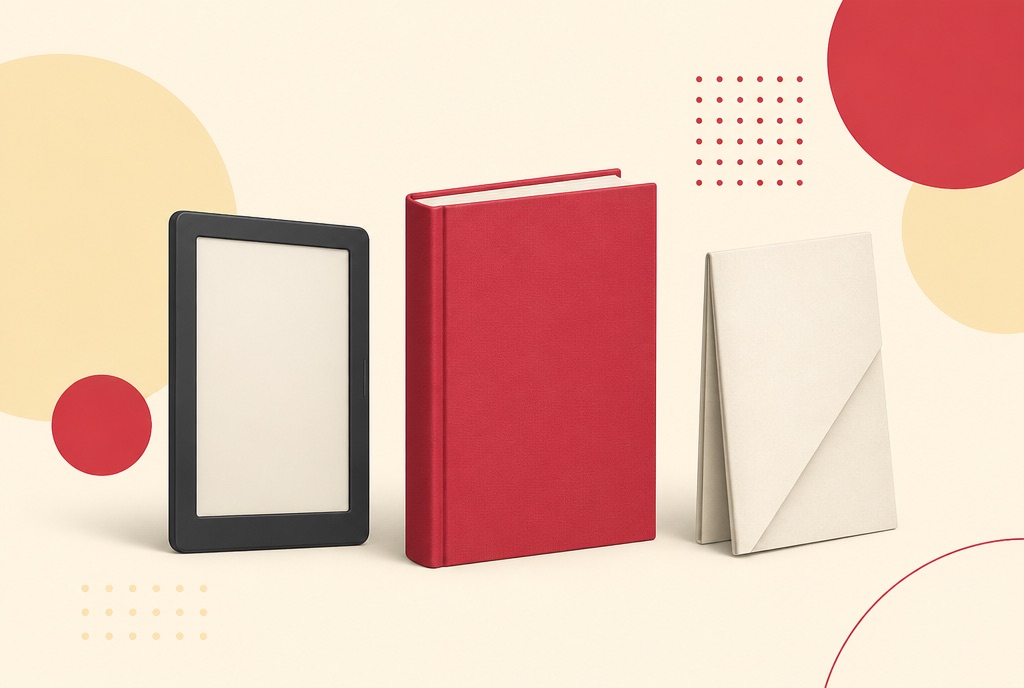
A book file lands on your machine and the reader will not open it. The extension tells you almost nothing useful, and the advice online is a pile of format history nobody needs in order to read a novel on a train.
The short version: three of these formats are the same idea with different badges, one of them is a completely different thing, and one common conversion will never work no matter which tool you try.
What each of them is, in a line
- EPUB: the format most e-readers take. If you have a choice and you are not on a Kindle, this is the one.
- MOBI: the older Kindle format. Still widely handed out, still readable on plenty of devices, increasingly the one that gets refused.
- AZW3: the newer Kindle format. Same job as MOBI, better typography.
- PDF: a fixed layout. Not really an ebook format at all, which is the whole subject of this post.
- DjVu: a scanned-document format, usually an archive scan rather than a book. Converts to PDF.
- CBR and CBZ: comic archives, which are just a folder of page images in a wrapper. CBR converts to PDF on its own tool; CBZ goes through the general converter.
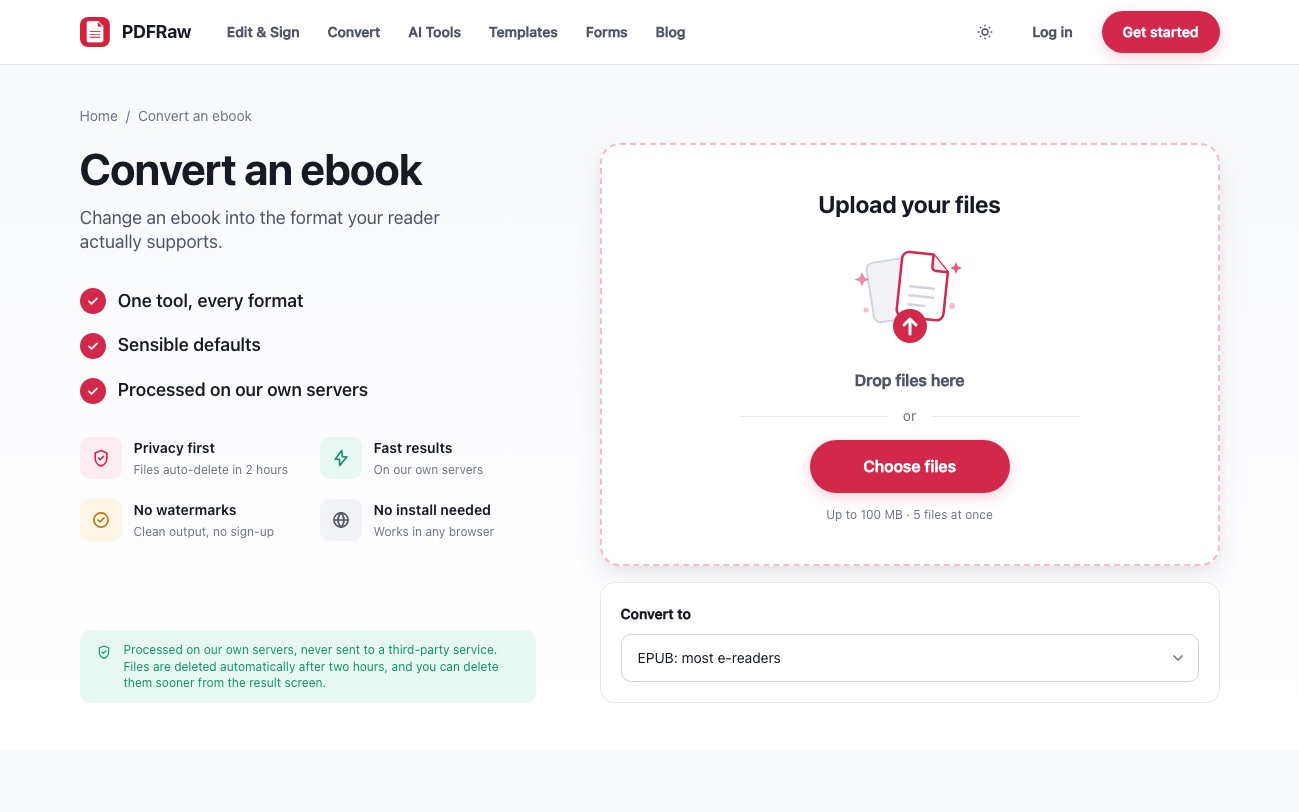
Every one of those can go into the ebook converter, and the targets it will write are EPUB, MOBI, AZW3, PDF, plain text and Word.
Reflowable or fixed: the only distinction that matters
EPUB, MOBI and AZW3 are reflowable. The file stores the text and its structure, and the reader decides where the lines break, how big the type is and where a page ends. Change the font size and the book repaginates around you. That is why a paperback-sized screen can show a 900 page book without you scrolling sideways.
A PDF is fixed. The layout was decided when the file was made: this word sits at this point on this page, at this size, forever. Which is exactly what you want for a contract, a form or anything that has to look the same on every machine, and exactly what you do not want on a six inch screen.
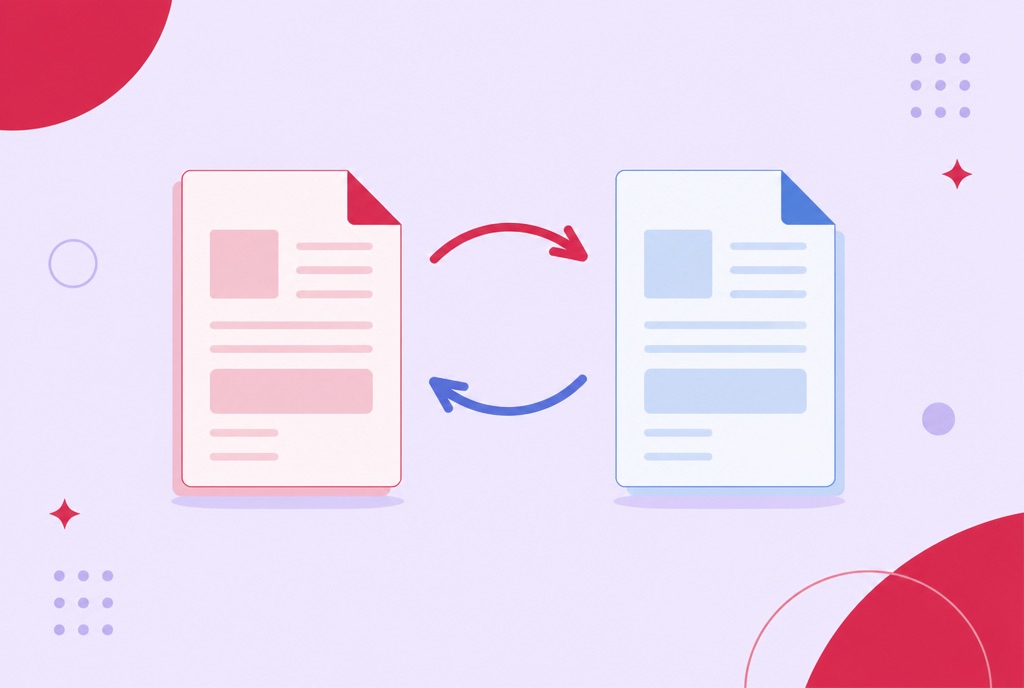
Once you have that distinction, the rest follows. Converting between the three reflowable formats is a near-equivalent swap: same content, same structure, different container. Converting across the line, in either direction, is not.
Picking a target: let the device decide
There is no best format, only the one your reader accepts. If the device takes EPUB, use EPUB. If it is an older Kindle, MOBI is the safe answer. If it is a newer one, AZW3 gets you better typesetting for the same content.
Swapping between the three is the cheap conversion, because nothing structural has to be invented or thrown away. The general ebook converter takes five files in one pass, so a shelf of books goes through together; the fixed-pair tools such as EPUB to MOBI take one at a time.
Going to PDF is the one to think about before you click, and it is worth knowing why.
Converting a book to PDF is a typesetting decision
A reflowable book has no pages until somebody decides where they fall. So EPUB to PDF, MOBI to PDF and AZW3 to PDF are not really conversions; they are a print run. Something has to choose the page size, the margins and the body type, and those choices are what the output looks like.
That is why those settings are exposed rather than hidden: A4, US Letter, A5 or a Kindle-sized page, a margin in points, and a default font size. A5 with generous type produces something readable on a tablet; A4 with a small face produces a document that reads like a manual. Neither is wrong, and the file cannot decide for you.
One detail is handled for you and is worth knowing about, because it bites people converting elsewhere: the table of contents has to be asked for explicitly. Left to itself the converter drops it, and a 400 page PDF with no contents is a bad afternoon. It is added by default here.
Converting a PDF back into a book is lossy
PDF to EPUB, PDF to MOBI and PDF to AZW3 all exist, and they all work, and the result is never as good as a book that started out reflowable. The reason is structural rather than a shortcoming of any particular tool.
A reflowable format needs to know what a paragraph is, where a heading starts, which line is a caption. A PDF discarded all of that when it was laid out: what survives is where each piece of text was placed on the page. Rebuilding paragraphs from positions is guesswork, and it goes wrong in predictable places, which is where hyphenated line breaks, running headers, footnotes and two-column layouts come from when you see them jumbled in a converted file.
A PDF made from a word processor converts tolerably. A scanned PDF converts badly, because there is no text to restructure until it has been through OCR first. And a PDF that is really a comic or a magazine, with the layout doing the work, should stay a PDF.
If what you actually want from the book is its argument rather than its pages, converting it is the long way round. The book summarizer reads the file directly, and how to summarize a PDF with AI covers what that is and is not good for.
The conversion that will not work
A book bought from a store and locked to that store will not convert here, and the failure is deliberate rather than technical. When a conversion produces nothing, the message says so directly: the book may be DRM-protected, which we cannot and will not remove.
That is the honest position and it will not change, so it is worth knowing before you try. What does convert is everything unencumbered: books from stores that sell files outright, public domain texts, anything from a publisher that ships a plain EPUB, your own documents, and the DjVu and CBR archives that have no DRM to begin with.
The same rule shows up elsewhere in the conversion tools: where a conversion cannot be done properly it is not offered at all, with the reason written on the page, rather than shipped as something that looks right until you open it.
Frequently asked questions
What is the difference between MOBI and AZW3?
They do the same job for Kindle devices. MOBI is the older of the two and AZW3 the newer, with better typesetting. Which one you want depends on how old the device is, not on the book.
Which ebook format should I use?
Whichever your reader accepts. EPUB for most e-readers, MOBI for an older Kindle, AZW3 for a newer one. There is no format that is better in the abstract.
Why does my converted PDF look nothing like the book?
Because a reflowable book has no pages until a converter chooses them. Page size, margins and body font size are all decisions made at conversion time, so set them deliberately rather than accepting the defaults.
Why is a PDF converted to EPUB such a mess?
A PDF records where text sits on a page, not what a paragraph or a heading is. Rebuilding that structure is guesswork, so hyphenated line breaks, running headers and columns are the parts that come out wrong. A PDF from a word processor converts far better than a scan.
Can I convert a Kindle book I bought?
Not if it is DRM-protected. That protection is not removed here, by design, and a conversion that produces nothing will tell you that is the likely reason.
How many books can I convert at once?
Five at a time in the general ebook converter and in the to-PDF tools, all to the same target format. The fixed-pair tools, such as EPUB to MOBI, take one file per run.