Why is my PDF so large? Causes and fixes
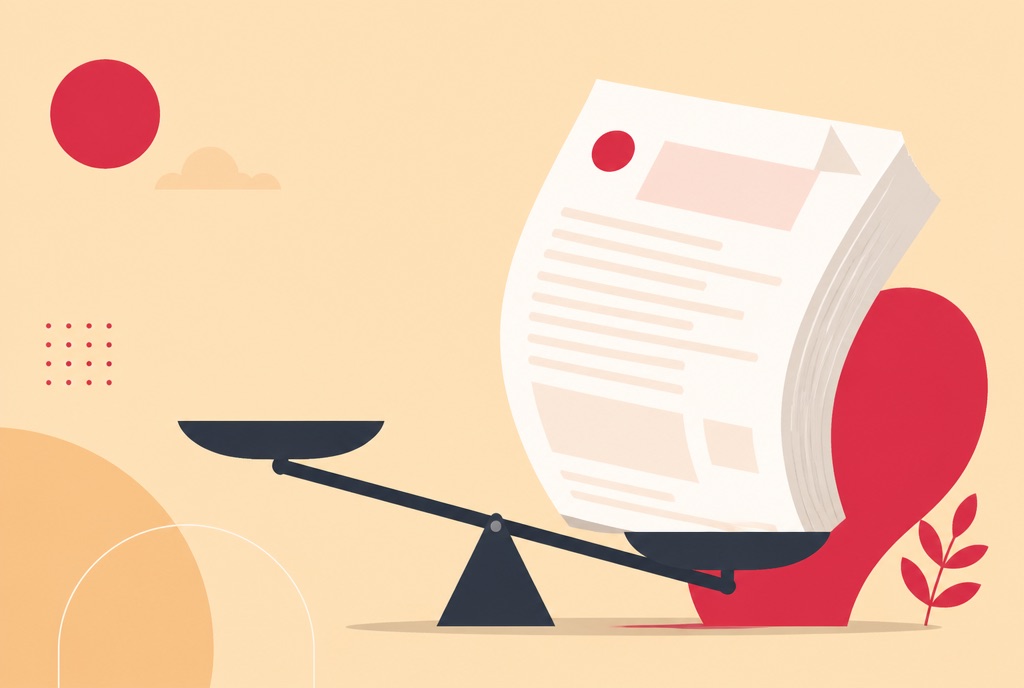
A ten-page document has no business being 45 MB, and yet there it is, bouncing back from every inbox and upload form you try. "Why is my PDF so large" is really a question about what is hiding inside the file, because the visible content rarely explains the size.
This guide covers the usual culprits, a quick way to work out which one your file has, and how to shrink it in the browser. It also covers the honest flip side: the files that will not get much smaller, and what to do about those instead.
Why your PDF is so large: the usual culprits
A page of text in a PDF takes a few kilobytes, because it is stored as compact drawing instructions. Nearly everything that makes a file heavy is layered on top of that:
- High-DPI scans. A scanner at 300 or 600 DPI stores each page as a full-page image of a few megabytes. Twenty pages of that is a 40 to 80 MB file with nothing visibly extravagant in it.
- Camera photos placed in the document. A modern phone photo runs 3 to 8 MB, and document tools often embed it at full resolution even when it is displayed at the size of a stamp.
- Embedded fonts. Each embedded font adds data. A document carrying many fonts, or complete font files rather than just the characters it uses, carries the weight of all of them.
- Duplicated resources. Files assembled by merging often contain repeated copies of the same fonts, logos and images, one set per source document, because nothing removed the duplicates along the way.
The pattern behind all four is the same: images and redundant data, not text. That is also why the fix works as well as it does.
How to tell which problem your large PDF has
Three quick checks, no tools needed:
- Divide size by pages. 40 MB across ten pages is 4 MB a page, which almost certainly means full-page images. 40 MB across 800 pages is ordinary.
- Try to select the text. If your cursor will not select anything and the page behaves like a photo, the document is a scan, and the scan is the size.
- Zoom to 400 percent. Real text stays razor sharp at any zoom. If the letters go fuzzy or blocky, you are looking at a picture of text.
If the file is a scan or full of photos, compression will do a lot. If it is genuinely all text and still huge, skip ahead to the section on when compression will not help.
Shrink a large PDF in your browser
- Open the Compress PDF tool and upload the file.
- Pick a compression level. Balanced is the sensible default.
- Check the size saving shown on screen, then download.
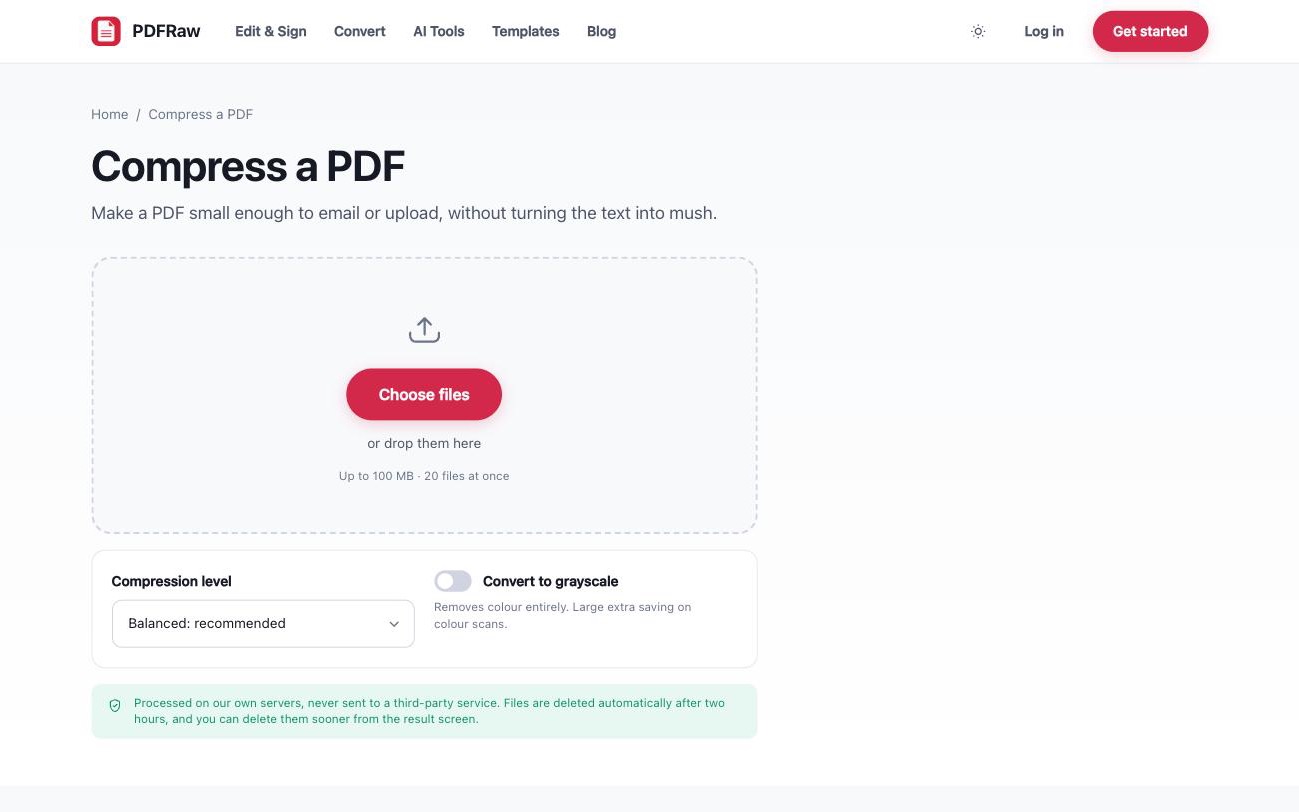
Compression re-encodes the images more efficiently, reduces resolution no screen would ever show, and strips redundant data such as duplicated fonts. The text layer is left alone, so it stays selectable and sharp. There are four levels from light to maximum, and on colour scans the grayscale option removes colour entirely for a large extra saving. Choosing between the levels is covered in detail in how to compress a PDF.
When a large PDF will not compress
Compression removes redundancy, so a file with little redundancy barely shrinks. A text-only document that is already a few hundred kilobytes is close to its floor. If a compressor returns your file at nearly its original size, that is the tool being honest, not failing.
The result screen makes the difference visible: image-heavy scans routinely drop by 70 to 90 percent, while clean digital documents may only lose a few percent. If yours is in the second group and still over a limit, the size is structural, and you need a different approach.
Other ways to cut the size
Two moves that often beat harder compression:
- Send less document. If a 60-page file only needs its 12-page appendix delivered, cut that part out with Split PDF and send it alone. Splitting off the part that matters loses nothing.
- Shrink images before they enter the PDF. If you are building a PDF from photos, run them through Compress images first. Resizing a 4000-pixel photo down before embedding saves more than any PDF-level compression afterwards.
Frequently asked questions
How much smaller will compression make my PDF?
It depends almost entirely on what is inside. Image-heavy scans often drop by 70 to 90 percent. A text-only document may barely change, because there is little redundancy to remove.
Will compressing my PDF make it blurry?
At the balanced level, differences are hard to see on screen. Higher levels reduce image resolution more aggressively. The resulting size is shown before you download, so you can judge the trade-off and step back a level.
Does compression affect the text?
No. Compression targets images and redundant data. Text remains selectable and searchable rather than being flattened into a picture.
Why is my PDF still large after compressing?
Either it was already efficient, or the size is structural: hundreds of pages, many distinct photos, or both. Try a stronger level, use the grayscale option on colour scans, or split the document and send only the part that is needed.
Is it safe to compress confidential documents online?
On PDFRaw, files are processed on our own servers, never handed to a third-party API, and deleted automatically two hours after upload. There is a delete button on the result screen if you want the file gone sooner.