How to create a QR code that never expires
You print five hundred flyers, the campaign goes out, and two weeks later the QR code opens an upgrade page instead of your menu. Nothing was wrong with the code. It pointed at a redirect service, the free trial ended, and the redirect died with it.
This guide shows how to create a QR code that cannot be switched off, what a QR code can usefully contain besides a link, and how to style one so it still scans reliably from a poster or a business card.
Why free QR codes stop working
There are two kinds of QR code. A static code stores your content, the URL or text itself, inside the pattern. A dynamic code stores a link to the generator's server, which then redirects to your content. Dynamic codes are what most "free" QR services hand out, because the redirect is what lets them track scans and charge you later.
The redirect is also the point of failure. When the trial expires, the subscription lapses or the service shuts down, every printed code goes dark. The pattern still scans; it just leads somewhere you no longer control.
PDFRaw's codes are static by design. The data is encoded directly in the image rather than pointing at our servers, so nothing expires and nothing breaks if we are not around. The trade-off is honest and worth knowing: a static code cannot be redirected later. If the destination changes, you generate a new code.
Create a QR code in your browser
- Open the QR code generator and choose what the code should contain: a link, text, WiFi network, contact card, email, phone or SMS.
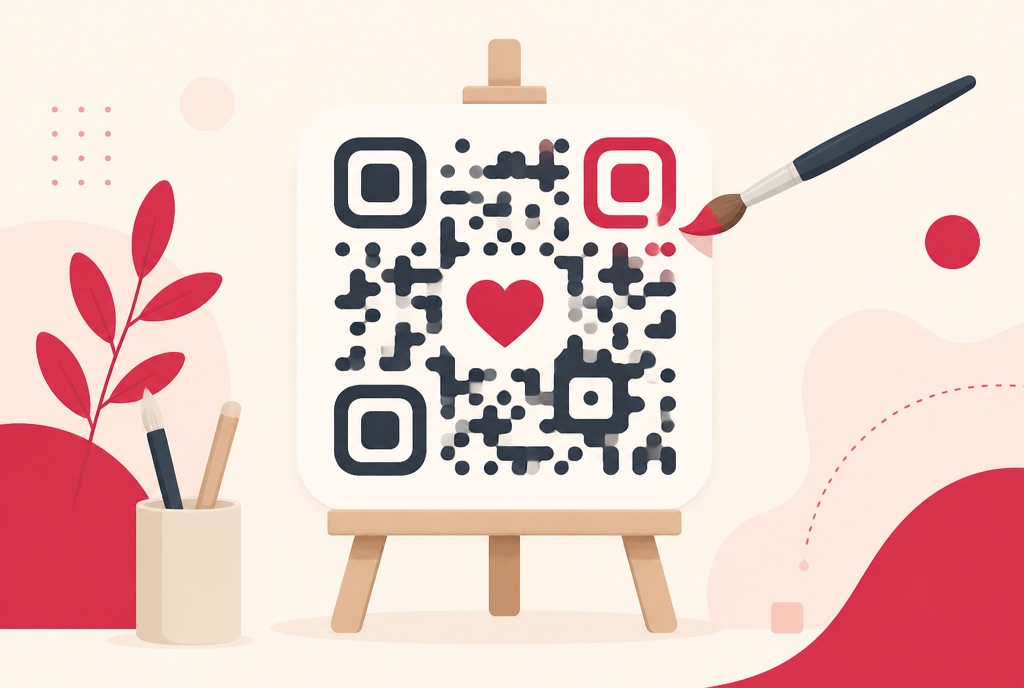
- Style it in the live preview: pattern and corner shapes, colours, a centre logo and a frame.
- Download as PNG or SVG.
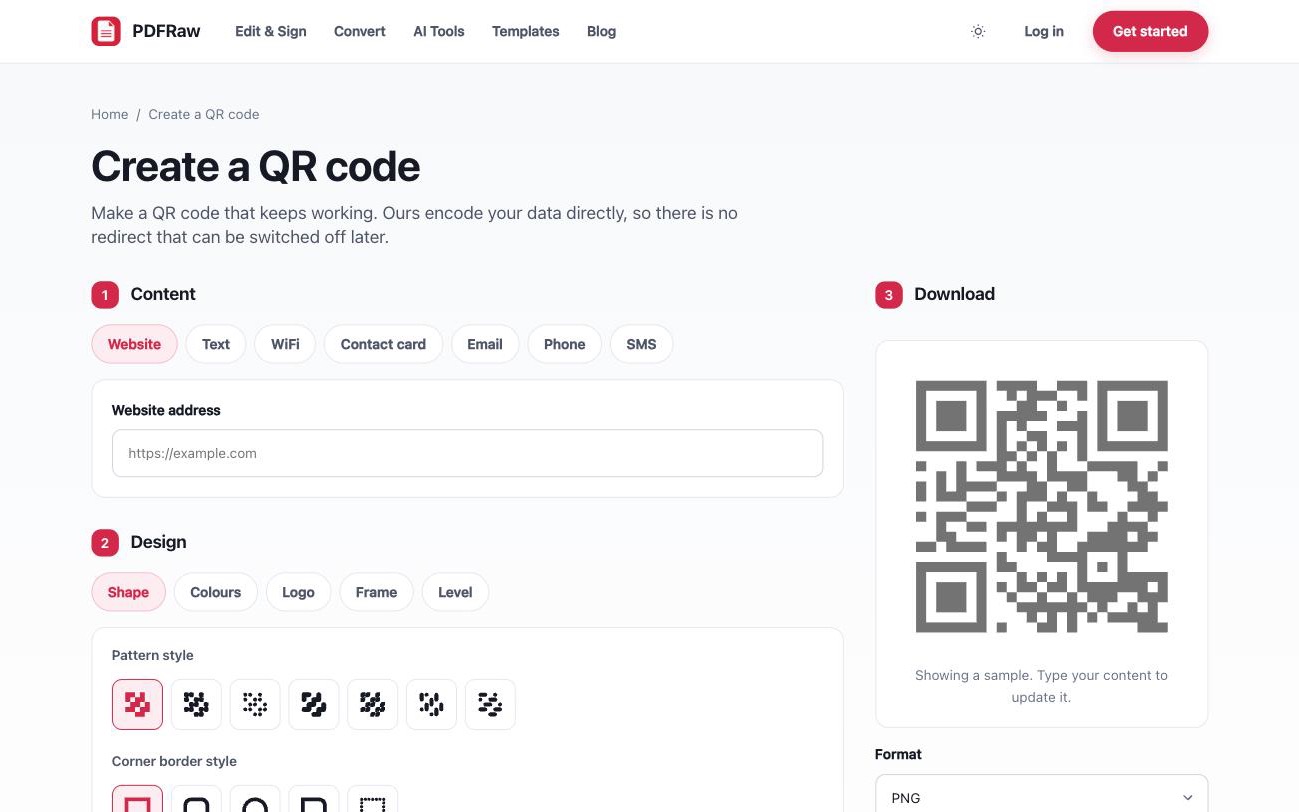
The code is generated in your browser and downloads directly. What you type never reaches a server, which also means there is no scan tracking: nobody, including us, learns who scanned your code or when.
What to put in a QR code (besides a link)
A URL is the obvious payload, but the other content types solve real problems:
- WiFi network. Guests scan and join without typing your password. The name and password live inside the code, so it works with the router offline.
- Contact card. One scan adds your name, number and email to their phone. Better than hoping a business card survives the trip home.
- Plain text. Instructions, a serial number, a location note. Shows up on screen with no internet needed at all.
- Email, phone or SMS. Pre-filled and one tap away, useful on service stickers and support labels.
Small business uses write themselves: a payment link on the invoice you send, a menu on a table card, WiFi in the guest room, a contact card on the shop counter.
Designing a QR code that still scans
Styling is where codes get personality and where they get broken. The rules that keep a designed code scannable:
- Keep the contrast. A dark code on a light background scans best. Light-on-dark and low-contrast pastel combinations are where scanners give up.
- Logos are fine, within reason. QR codes carry built-in error correction, and the designer raises it automatically when you add a centre logo. The pattern can lose a chunk and still work.
- Leave the quiet zone alone. The blank margin around the code is part of the spec. Frames from the designer respect it; cropping in an image editor often does not.
- Print from SVG. For posters, signage and anything larger than a leaflet, download the SVG. It scales to any size without pixelation, which PNG cannot.
Then test like it matters, because it does: scan the final artwork, at the final size, on more than one phone, before the print run. A code that scans on your monitor at 400 percent zoom proves nothing about a business card.
Frequently asked questions
Will this QR code stop working?
No. The content is stored inside the code itself, so it works forever and does not depend on us. There is no redirect service that can lapse or start charging.
Can I change where the code points later?
No. That would require a redirect, which is exactly what makes other QR codes expire. If the destination changes, generate a new code. For anything printed in bulk, link to a page you control, such as your own domain, and change that page instead.
Will it still scan with a logo or custom shapes?
Yes. QR codes carry built-in error correction, and the designer raises it automatically when you add a logo. Keep a dark code on a light background and test a print before a big run.
Does anyone see what I put in the code?
No. The code is generated in your browser and downloads directly. What you type never reaches a server, and because there is no redirect, there is no scan tracking either.
PNG or SVG: which should I download?
PNG for screens, documents and small prints. SVG for signage and large formats, because vectors print sharp at any size. Downloading both costs nothing.