How to remove a watermark from a PDF

A DRAFT stamp left on the final version, a "sample" overlay from your own template, an evaluation banner across a report you have since bought the rights to. There are plenty of honest reasons to remove a watermark from a PDF, and doing it should not mean painting white boxes over every page.
This guide covers when removal is legitimate and when it is not, how detection actually works, the steps to do it in your browser, and why some watermarks refuse to come out no matter which tool you use.
When removing a watermark is legitimate
The tool exists for documents you own or are licensed to modify. In practice that covers cases like these:
- Your own documents that picked up a stamp along the way: a DRAFT or CONFIDENTIAL overlay that no longer applies.
- Output stamped by your own tools or templates, where you hold the licence and simply want a clean copy.
- Evaluation or preview stamps on files you have since purchased or otherwise own the rights to.
- Company documents you are responsible for, where the watermark was added by your own systems.
What it is not for: removing a watermark from someone else's copyrighted work. A stock photo preview, a paid report you did not pay for, a licensed file you are not licensed to alter. Removing the watermark does not give you the right to use the work; it only removes the reminder that you do not have it. If the watermark exists because you have not paid, the fix is paying.
What happens when you remove a watermark from a PDF
A watermark is content that repeats: the same text or image, in the same position, page after page. The Remove Watermark tool detects that repeated pattern across the document, which is more reliable than trying to paint over one page at a time. It handles watermarks, stamps and background overlays the same way.
Only the identified overlay is removed. The real content underneath stays intact, and text remains selectable rather than being flattened into an image. That distinction matters: cover-up approaches that draw white rectangles over the mark leave the watermark inside the file, where another viewer, or anyone who opens the file in an editor, can still find it.
Remove a watermark from a PDF in your browser
- Upload the PDF to the Remove Watermark tool.
- The tool finds overlay elements repeated across the pages.
- Confirm what should be removed, then download the clean PDF.
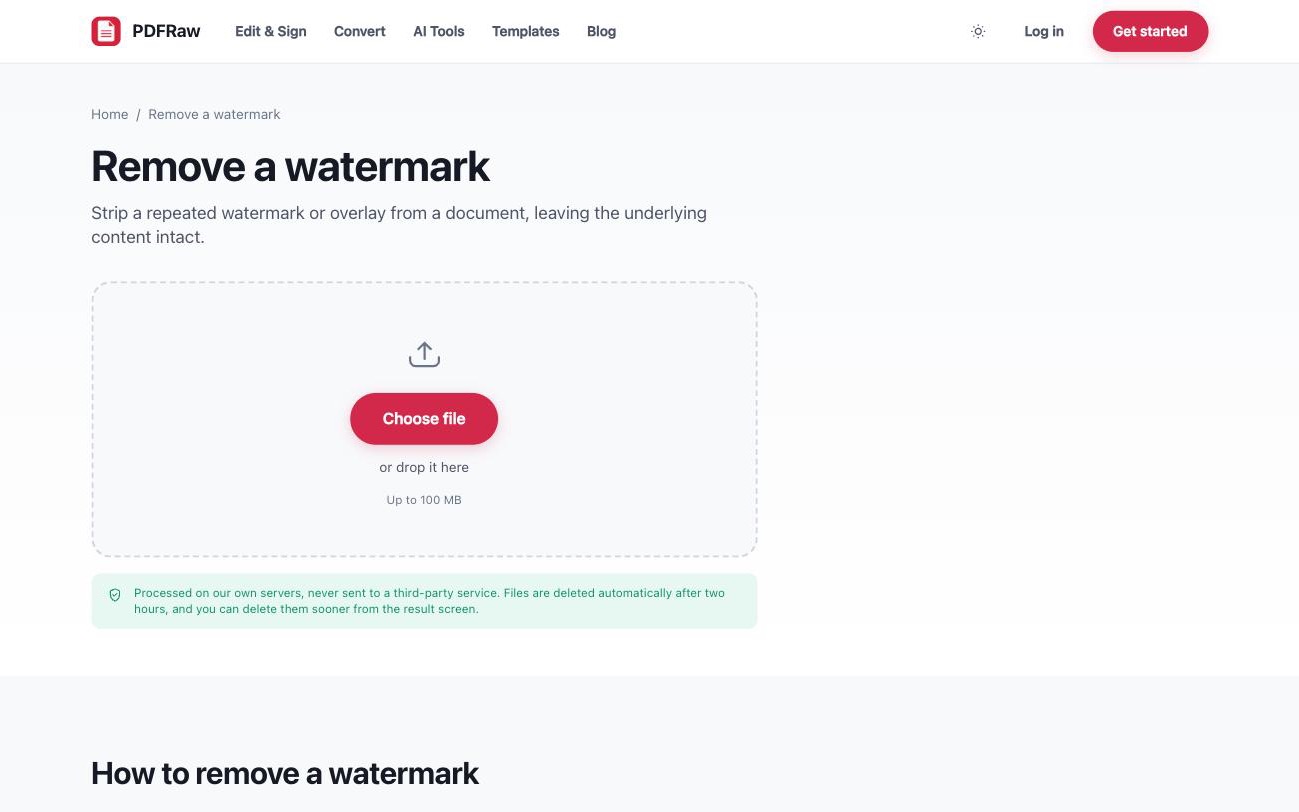
The confirmation step exists so nothing you want to keep gets treated as a watermark. The tool is free, needs no account, adds no watermark of its own on the way out, and files are processed on our own servers and deleted two hours after upload.
Why some watermarks will not come out
Whether a watermark can be removed cleanly depends on how it is stored. In a born-digital PDF, the watermark is usually a distinct object layered over the page, and a distinct object can be identified and deleted, leaving everything else untouched.
In a scanned document there is no object. The watermark was on the paper, or was flattened into the image before scanning, and its pixels are the page's pixels. Nothing can cleanly separate them, because there is no seam: a tool claiming otherwise is repainting the image and guessing at what was underneath. If part of a watermark survives removal, this is almost always the reason.
Avoid watermarked PDFs in the first place
A surprising amount of watermark removal is undoing the output of a free tool that stamped its logo across the result. That is worth designing out of your workflow: free tools that do not stamp their output exist, and every PDFRaw tool is one of them. Conversion, compression, merging and editing all return files with no watermark and no account required.
The same logic applies to trial versions of paid editors, which watermark output precisely so you will pay to stop them. A free editor that never stamps beats removing stamps forever: how to edit a PDF without Adobe covers the full toolkit, and how to convert a PDF to Word is the route when editing in a word processor is easier.
Frequently asked questions
Is it legal to remove a watermark from a PDF?
It depends on whose document it is. Removing a watermark from your own files, or files you are licensed to modify, is fine. Removing one from someone else's copyrighted work does not give you the right to use it, and can itself be infringement.
What kinds of watermarks can the tool remove?
Watermarks, stamps and background overlays that exist as distinct objects in the PDF, detected by their repetition across pages. Marks baked into a scanned image are a different story.
Why is part of the watermark still there?
Watermarks baked into a scanned image cannot be cleanly separated from the page, because there is no distinct object to remove: the pixels are the page.
Will removal damage the content underneath?
No. Only the identified overlay is removed. Everything else stays intact, and text remains selectable rather than being flattened into an image.
Does the tool add its own watermark or need an account?
No to both. The output carries no watermark, no account is needed, and files are processed on our own servers and deleted automatically two hours after upload.