How to edit a PDF without Adobe Acrobat
Adobe Acrobat Pro costs around 20 US dollars a month, and plenty of people pay it for one job: they once needed to fix a typo in a PDF and nothing on their machine could do it. If that is you, the useful news is that you can edit a PDF without Adobe, in the browser you already have, for nothing.
This guide shows how browser editing works, what it handles well, when converting the file to Word is the smarter route, and what the Acrobat subscription actually buys that free tools do not.
Edit a PDF without Adobe in your browser
A PDF editor needs to do the two things Acrobat Reader will not: change the text that is already on the page, and add new content on top of it. The Edit PDF tool does both directly in the browser, with nothing to install.
- Open the Edit PDF tool and upload the PDF you want to change.
- Click into the text to fix it, or add shapes, images, notes or a signature.
- Save and download the edited document.
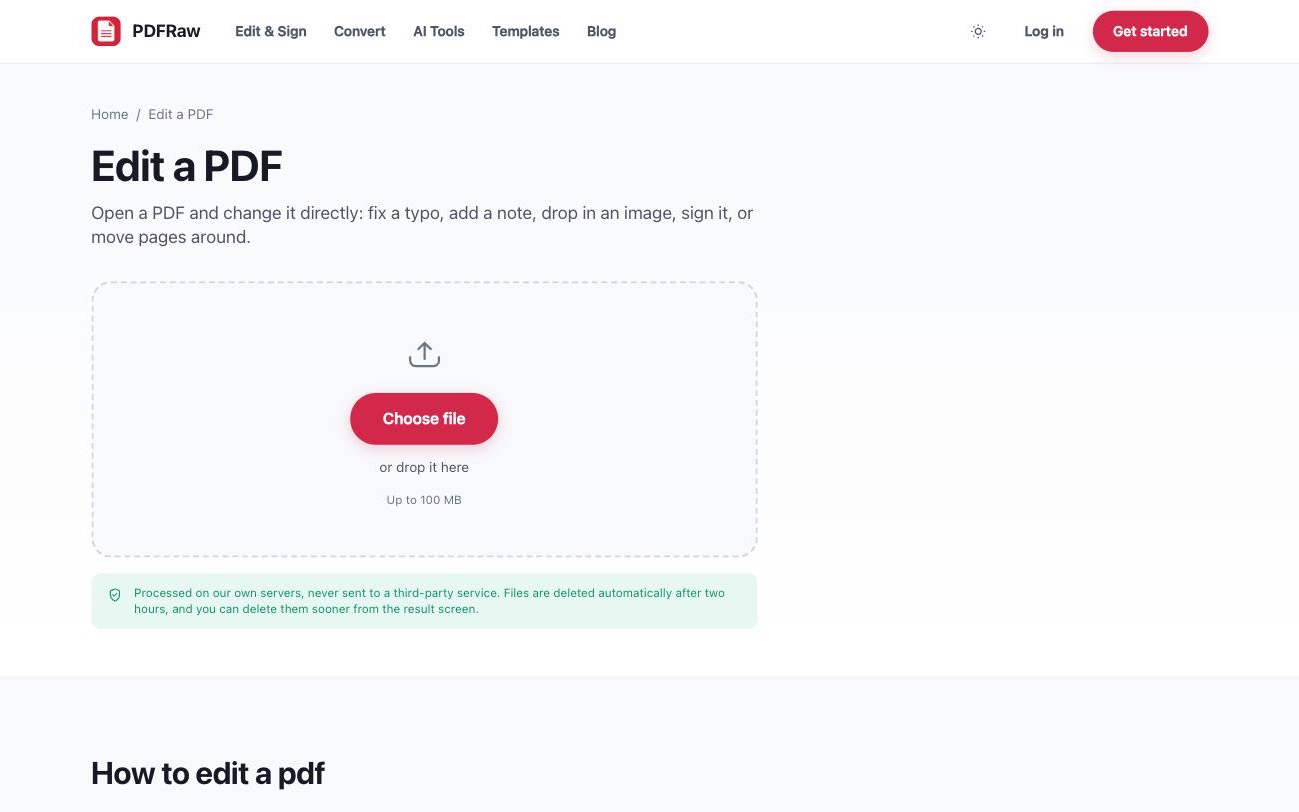
When you click into a paragraph, the tool matches the existing font and size, so corrections do not stand out from the surrounding text. If the original font is embedded in the file, edits reuse it; if it is not, the closest available match is substituted. Every change is reversible until you save, so you can experiment without risking the document.
What browser editing handles, and when to convert to Word
Browser editing is at its best for surgical changes: correcting a typo, updating a date or an amount, swapping a logo, adding a note, dropping in an image or a signature, moving pages around. The layout around your edit stays exactly as it was, which is the whole point of keeping the file a PDF.
It is the wrong tool for a rewrite. If you need to restructure a document, reflow chapters or replace half the text, convert the PDF to Word, do the heavy editing there, and export back to PDF at the end. The trade-offs of that route are covered in how to convert PDF to Word.
One caveat applies to both routes: text editing works on PDFs that contain real text. A scanned page is a photograph of text, and no editor can click into a photograph. If your cursor will not select anything on the page, start with why can't I edit my PDF, which walks through that diagnosis and the OCR fix.
Annotating vs editing: which one you actually need
A surprising amount of "editing" is not editing at all. If you are reviewing someone else's document, you usually want your remarks to sit on top of the content rather than change it. That is annotation: highlights, sticky notes, freehand drawing, arrows and boxes. The Annotate PDF tool writes these as standard PDF annotations, so they open correctly in Acrobat, Preview and every other reader.
Filling in a form is a third job again. The Fill PDF tool detects real form fields where they exist, and on flat scanned forms it lets you click anywhere on the page and type. Picking the narrower tool keeps the original document intact and is usually faster than opening a full editor.
What Acrobat costs, and what editing a PDF free covers
At the time of writing, Adobe Acrobat Standard costs around 13 US dollars a month and Acrobat Pro around 20, both on annual plans. That is roughly 156 to 240 dollars a year, and cancelling an annual plan early usually triggers a fee.
Whether that is worth it depends on what you do all day. Acrobat is the reference implementation, and some things genuinely are its territory: redaction with an audit trail, certificate-based digital signatures, enterprise document workflows. PDFRaw's editor does have a black-out tool that genuinely removes the covered content rather than just hiding it, just without the audit log; is blacking out a PDF actually safe covers exactly what it does and does not do.
But the jobs most people subscribe for, fixing text, filling and signing forms, marking up a draft, reordering pages, are covered by free browser tools. PDFRaw's editor adds no watermark, requires no account, and accepts files up to 100 MB. Files are processed on our own servers, never handed to a third-party API, and deleted two hours after upload.
Frequently asked questions
Can I edit any PDF without Adobe?
Text editing works on PDFs that contain real text. A scanned page is an image, so run it through OCR first to make its text editable. A password-protected file needs unlocking before it can be changed.
Will my fonts change when I edit?
When a font is embedded in the PDF, edits reuse it and match the original. If it is not embedded, the closest available match is substituted, which is occasionally visible on unusual typefaces.
Is editing a PDF online really free?
Yes. There is no watermark on the result, no account, and no trial that expires. The upload limit is 100 MB per file.
Can I undo a change I made in the editor?
Yes. Every change is reversible until you save, so a wrong move costs nothing.
Is it safe to edit confidential documents in the browser?
Files are processed on our own servers, never handed to a third-party API, and deleted automatically two hours after upload. There is a delete button on the result screen if you want the file gone sooner.