How to translate a PDF and keep the layout
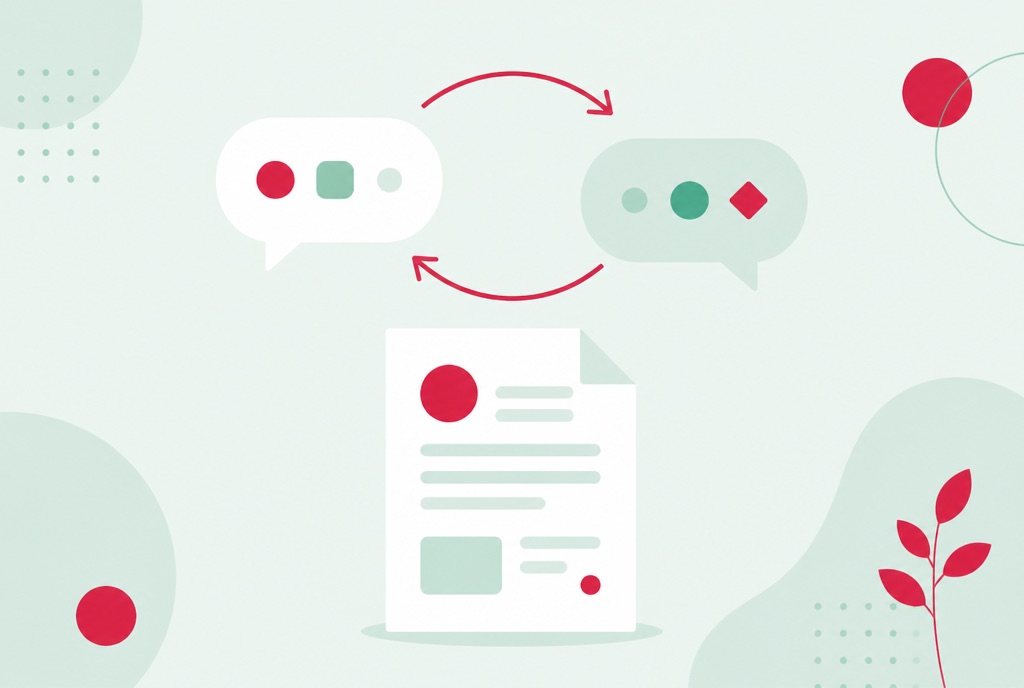
A supplier contract in German, a rental agreement in Spanish, a research paper in Japanese. Copying paragraphs into a translation website technically works, but you lose the document itself: tables collapse, headings vanish, and you are left reading a wall of text. To translate a PDF properly, the translation should end up where the original text was.
This guide covers how to do that in your browser, what happens to the layout along the way, why scanned documents need an extra step first, and when machine translation is the wrong tool for the job entirely.
Translate a PDF in your browser
- Open the Translate PDF tool and upload the document. PDF, Word and plain text files are accepted.
- Pick the language to translate into.
- Download the translated PDF and skim it against the original.
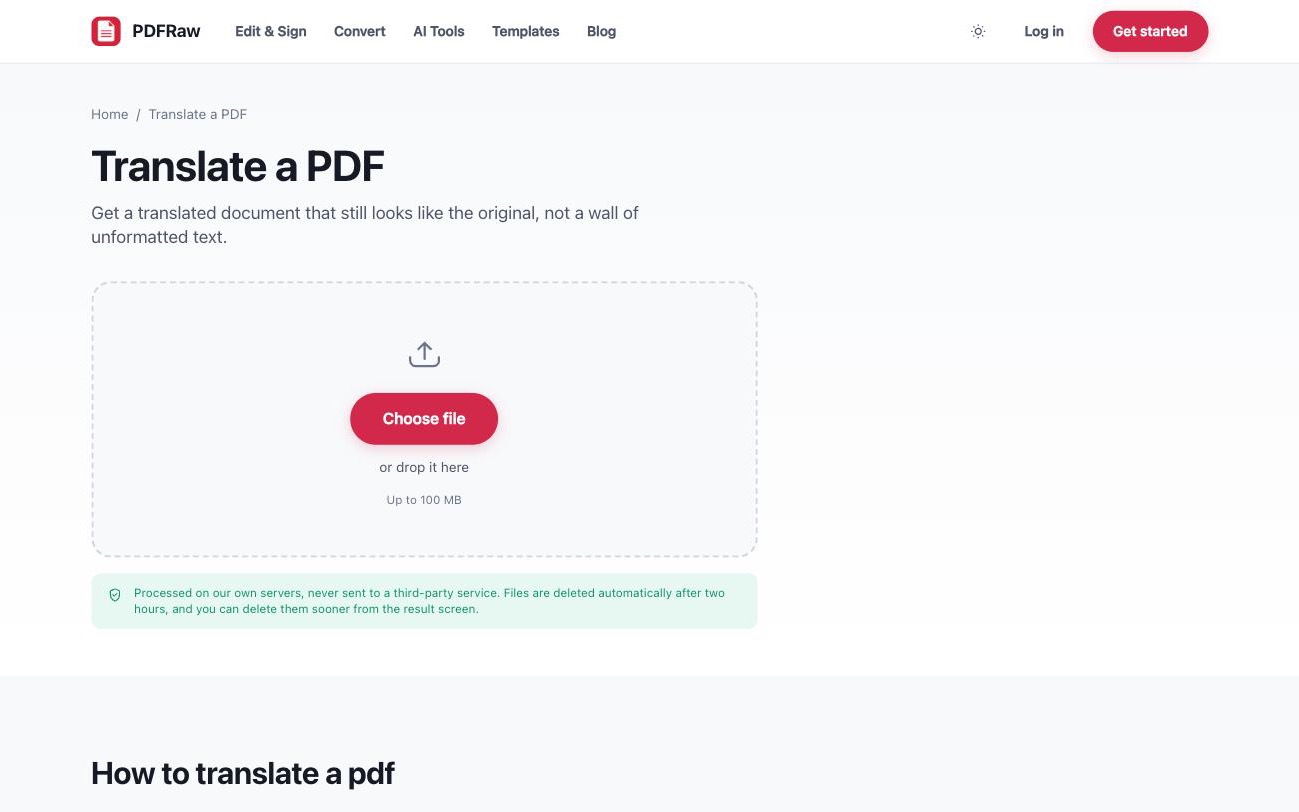
All widely used written languages are supported, including ones that read right to left. There is no watermark and no account, uploads are capped at 100 MB, and files are processed on our own servers and deleted automatically two hours after upload.
What happens to the layout when you translate a PDF
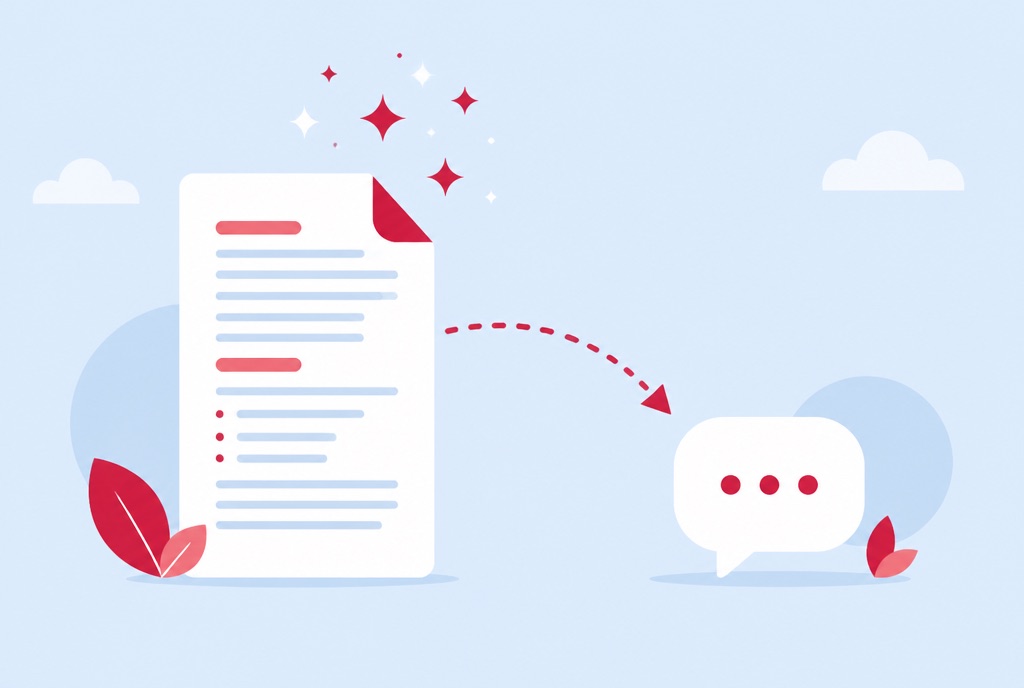
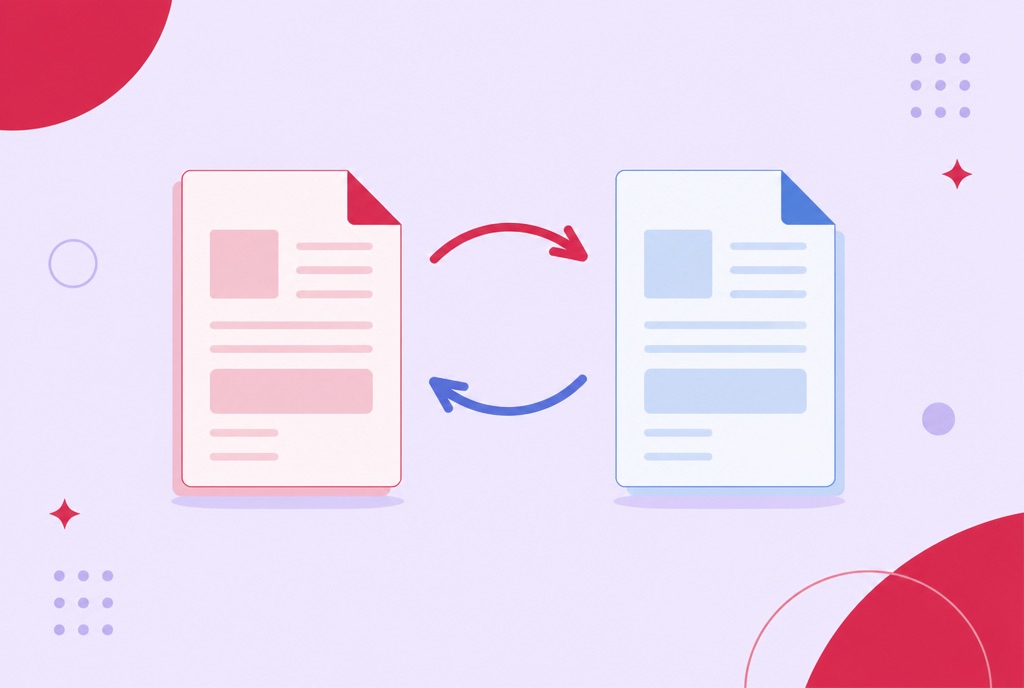
The difference between translating a document and translating its text is layout. The tool replaces text in place: tables, columns and images stay where they were, so a price list still reads as a price list and a form still looks like a form. You are not handed a plain text dump to reassemble.
Translated text is very often longer than the original, which is where naive approaches overflow their boxes and overlap the neighbouring column. The tool adjusts spacing to handle that expansion, so the result still looks like the original document rather than a reformatted approximation of it.
Scanned PDFs need OCR before translation
Translation works on text, and a scanned PDF contains none: it is a photo of a page. If your document came off a scanner or a phone camera, run it through the OCR tool first to add a real text layer, then translate the result. The full process is in how to make a scanned PDF searchable.
A quick way to tell which kind of PDF you have: try to select a sentence with your cursor. If the text highlights, translate it directly. If nothing selects, it is a scan and OCR comes first.
When you need answers, not a translated document
Sometimes you do not need the whole document in your language; you need to know what it says. The AI summarizer loads the document and lets you ask questions about it directly, in your own language, with answers grounded in the actual text.
For a 40-page report where you care about three clauses, asking beats translating: you get the notice period, the renewal date and the penalty terms without producing a second document at all. The workflow is covered in how to summarize a PDF with AI. Translate the full file when other people need to read it; ask questions when only you do.
Machine translation and legal documents
Machine translation is reliable for understanding a document: what the contract covers, what the letter is asking for, when the deadline falls. For everyday work documents, that is usually all you need.
It is not a certified translation. Anything with legal standing, contracts you are about to sign, court filings, immigration paperwork, official certificates, should be reviewed by a professional translator, and some authorities require a sworn translation outright. Use the machine version to understand what you are dealing with and to brief the professional efficiently; do not sign on the strength of it. If a reviewer wants the text in an editable file, PDF to Word converts the translated PDF, as described in how to convert a PDF to Word.
Frequently asked questions
Which languages can I translate a PDF into?
All widely used written languages, including ones that read right to left.
Will the translated PDF keep its layout?
Yes. Tables, columns and images stay where they were, and text is replaced in place. Translated text is often longer than the original, so spacing is adjusted to keep it from overflowing its box.
Can I translate a scanned PDF?
Not directly. A scan is a photo of a page with no text to translate. Run it through the OCR tool first to add a text layer, then translate the result.
Is machine translation good enough for official documents?
It is reliable for understanding a document. Anything with legal standing should still be checked by a professional translator, and some authorities require a certified translation.
Is it free, and what happens to my file?
Free, with no account and no watermark. Files are processed on our own servers, never sent to a third-party service, and deleted automatically two hours after upload.