Is it safe to upload a PDF online? What to check first
The document you are about to upload is rarely a random file. It is a contract, a tax form, a medical letter, a scan of your passport. So the hesitation before clicking upload is reasonable, and the sites asking for the file mostly do a poor job of answering it. A padlock icon and the word "secure" tell you nothing.
This guide answers the question properly, twice. First for any online PDF tool: the specific things that separate a careful service from a careless one, and where to find them. Then for this one: what actually happens to a file you upload to PDFRaw, stated plainly enough that you can hold us to it.
What actually happens when you upload a PDF
When you drop a file on a tool like Compress PDF or Merge PDF, the file travels over an encrypted connection from your browser to the service's storage, a server does the work, and a result file comes back. Every online tool works roughly this way. The differences that matter are in the details: whose servers do the processing, who else sees the file along the way, and what happens to both copies afterwards.
The first detail is worth dwelling on, because it is where many PDF sites quietly differ from their marketing. Building converters for every format is hard, so plenty of tools forward your upload to a third-party conversion API behind the scenes. Your file is then subject to that company's retention and logging too, and the privacy policy you read covered only the first hop.
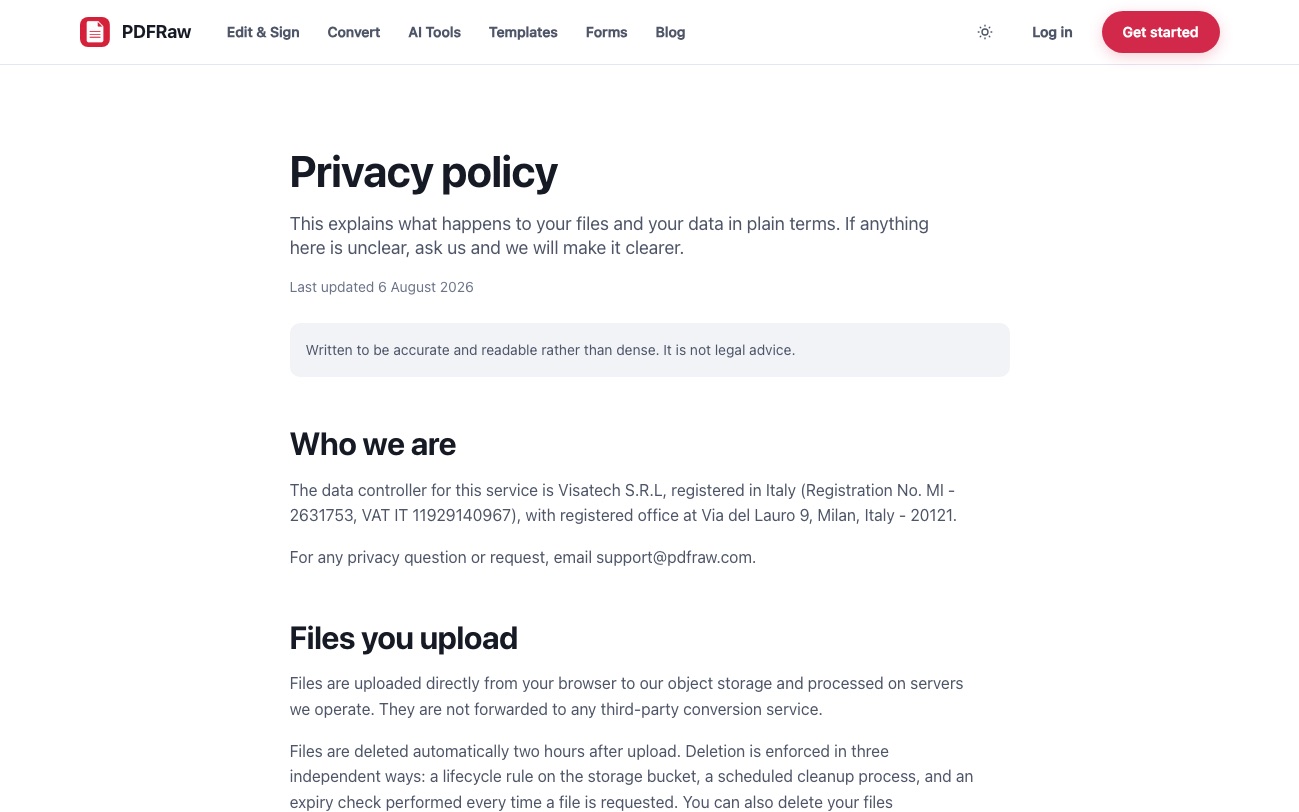
PDFRaw does not do that. Files are uploaded directly from your browser to our object storage and processed on servers we operate. They are not forwarded to any third-party conversion service. That is a commitment in the privacy policy, not a line in an ad.
Five questions to ask any PDF tool, including this one
You cannot audit a service's servers, but you can audit its promises. Before uploading something sensitive anywhere, look for specific answers to five questions. Vague language on any of them is itself an answer.
- How long is my file kept, and is deletion automatic or something I have to request? A concrete number beats "temporarily".
- Is the file processed by the service itself or passed to a third-party API? If the policy does not say, assume it can be.
- What does the service store about me: does it log IP addresses, and does it run advertising or analytics trackers on the pages where you handle documents?
- Are uploaded files used to train AI models? Silence here is not a no.
- Can I use the tool without creating an account? A sign-up wall in front of a one-off conversion means your document is now tied to an identity and an email address.
PDFRaw's answers, in order: two hours, ours only, no IP addresses and no trackers, no training, and no account needed. The rest of this guide goes through each one, and the FAQ keeps the short versions.
The two hour rule, and the three things enforcing it
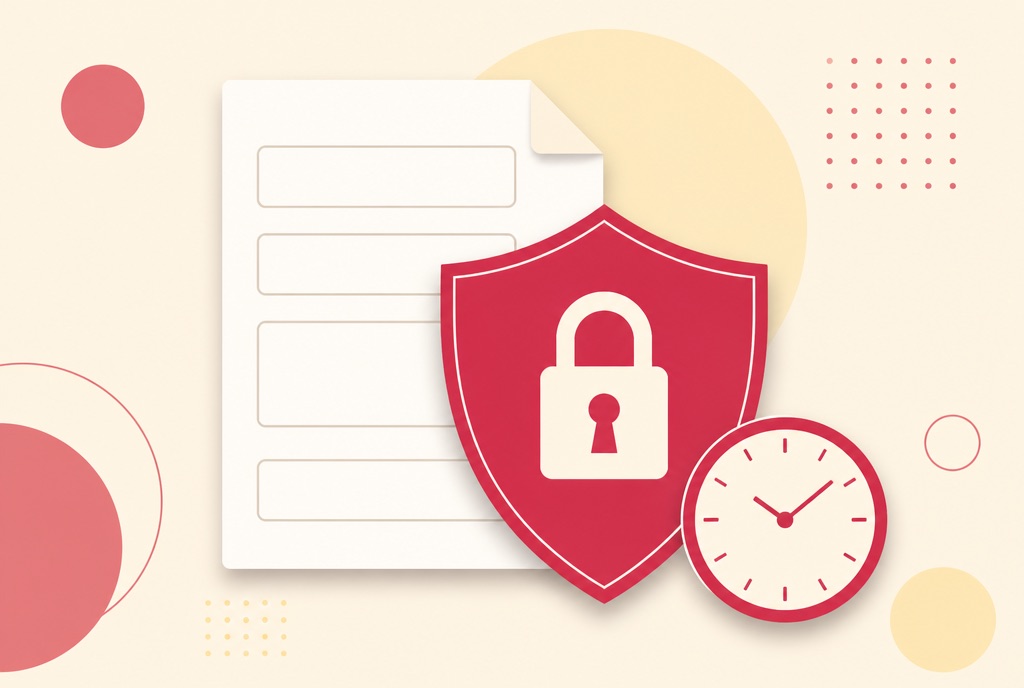
Every file you upload to PDFRaw is deleted automatically two hours after upload. That covers the original and the processed result, and it does not depend on you remembering to do anything.
One scheduled cleanup job would be the obvious way to build that, and it would fail the first time the job silently stopped running. So deletion is enforced three independent ways: a lifecycle rule on the storage bucket itself, a scheduled cleanup process, and an expiry check performed every time a file is requested. Any one of the three is enough to keep an expired file out of reach.
Two consequences worth knowing. If you want the file gone sooner, there is a delete button on the result screen that removes it immediately. And if you create a share link for a result, the link dies when the file does; a shared document does not outlive the two hour window.
What PDFRaw stores about you, and what it never does
Using the tools without an account sets one session cookie holding a random identifier. It exists so your results belong to you and nobody else can download them, and it is not used for advertising. A second cookie remembers your light or dark theme choice. That is the complete list; there are no third-party advertising or analytics trackers on the site.
For each upload we record the filename, size and detected type, which tool ran and whether it succeeded. That metadata is what lets us fix a tool when it breaks. We do not store your IP address at all: rate limiting uses a salted one-way hash of it, which cannot be reversed to recover the address.
The contents of your files are a different category. We do not read them, and we do not use them to train machine learning models. The terms also state the ownership position outright: you own everything you upload, and our permission to process a file exists only to perform the operation you asked for and ends when the file is deleted.
If you do create an account, the password is hashed with Argon2id and is never recoverable, by us or anyone else. But an account is a convenience, not a toll: every tool on the site, from the editor down, works without one.
The AI tools are different, and the difference is stated
Two tools on the site cannot run entirely on our own hardware: the AI PDF Summarizer and the PDF translator send the text of your document to a large language model, because that is what produces the summary or the translation. That text is not retained after the job completes and is not used for model training.
Still, "a third party processes the text" is exactly the kind of fact a privacy-conscious reader deserves to have in front of them, so it is stated on the tools and in the policy rather than buried. The rule of thumb: if a document is sensitive enough that no third party should see any of it, use the non-AI tools. Every conversion, compression, page-editing and OCR tool runs entirely on servers we operate. How to summarize a PDF with AI covers what the summarizer sends and why.
Sensitive documents in practice: forms, passwords, encryption
The most sensitive things people do with PDFs are filling official forms and locking documents, so both deserve specifics.
The blank PDFs in the official forms catalog are bundled with the site, so opening a tax form or a benefits claim to read or fill does not upload anything of yours in the first place. Your answers enter the picture only when you generate the filled file. How to fill out government forms online walks the whole path.
When you password protect a PDF, the document is encrypted with AES-256, and the password you chose is used for the encryption and then discarded. We never store it and cannot recover it, which is precisely what makes the protection meaningful. The same honesty runs the other way: the Unlock PDF tool removes protection from files you can already open, and will not break encryption on a document whose password you do not know. How to password protect a PDF covers choosing between an open password and permission restrictions.
Frequently asked questions
How long does PDFRaw keep uploaded files?
Two hours from upload, then automatic deletion enforced by a storage lifecycle rule, a scheduled cleanup and a per-request expiry check. A delete button on the result screen removes the file immediately if you would rather not wait.
Does anyone at PDFRaw read the files I upload?
No. We record the filename, size, detected type, which tool ran and whether it succeeded, because that is what fixing a broken tool requires. The contents are not read and are not used to train AI models.
Do I need an account to use the tools?
No. A session cookie with a random identifier keeps your results private to you. Accounts exist for saved signatures, cloud drafts and paid plans, not as a wall in front of the tools.
Does PDFRaw log my IP address?
No. Rate limiting uses a salted one-way hash of the address, which cannot be reversed. There are also no third-party advertising or analytics trackers on the site.
Are the AI summarizer and translator as private as the other tools?
Not quite, and the difference is stated: they send your document's text to a large language model to produce the result. The text is not retained afterwards and not used for training. Every non-AI tool runs entirely on servers we operate.
If I password protect a PDF and forget the password, can PDFRaw recover it?
No. The password encrypts the file and is then discarded, never stored. That is what makes AES-256 encryption worth anything, so keep a copy of the password somewhere safe.