How to fill out government forms online, without a printer

Government paperwork used to mean a trip to the printer. You would search for the form, land on a page that made you download a PDF, discover it would not let you type, print it, fill it in by hand, then scan it back in crooked. Four steps too many for a document that is already digital.
This guide covers the whole path instead: where the official file lives, how to fill it on screen, how to sign it, and what to check before you send it. It also covers the part most people get wrong, which is where the form came from in the first place.
Start from the agency file, not a copy of it
Search for almost any form number and you will find sites offering a "fillable version" of it. Some of those are the real thing. Many are recreations: someone rebuilt the layout in their own tool, and what you download looks close but is not the document the agency published. Barcodes drift, revision dates go stale, page counts change, and the office receiving it notices.
Whether that matters depends on the form. An internal HR document, probably not. A tax return, an immigration petition, or a benefits claim, very much so. Agencies scan these, and some of them reject anything that does not match the revision they expect.
So the rule is simple: fill the agency file. Every form in the PDFRaw forms catalog is the genuine PDF from the issuing agency, unmodified, and each form page links back to the official source so you can check it yourself. Nothing is rebuilt, retyped, or restyled. The blank PDFs are bundled with the site, so opening one to read or fill uploads nothing of yours; is it safe to upload a PDF online explains how the rest of the pipeline treats your files.
Find the form you need
Most people arrive knowing a form number, or knowing only what they are trying to do. The catalog handles both.
- Open the forms catalog and type the number, the agency, or what the form is for. The search runs over the whole catalog as you type, so "medicare part b" finds CMS-40B and "passport" finds the DS-11.
- Or browse by category if you are not sure what the form is called.
- Open the form page. It explains what the form is, who files it, and how to complete it before you start typing.
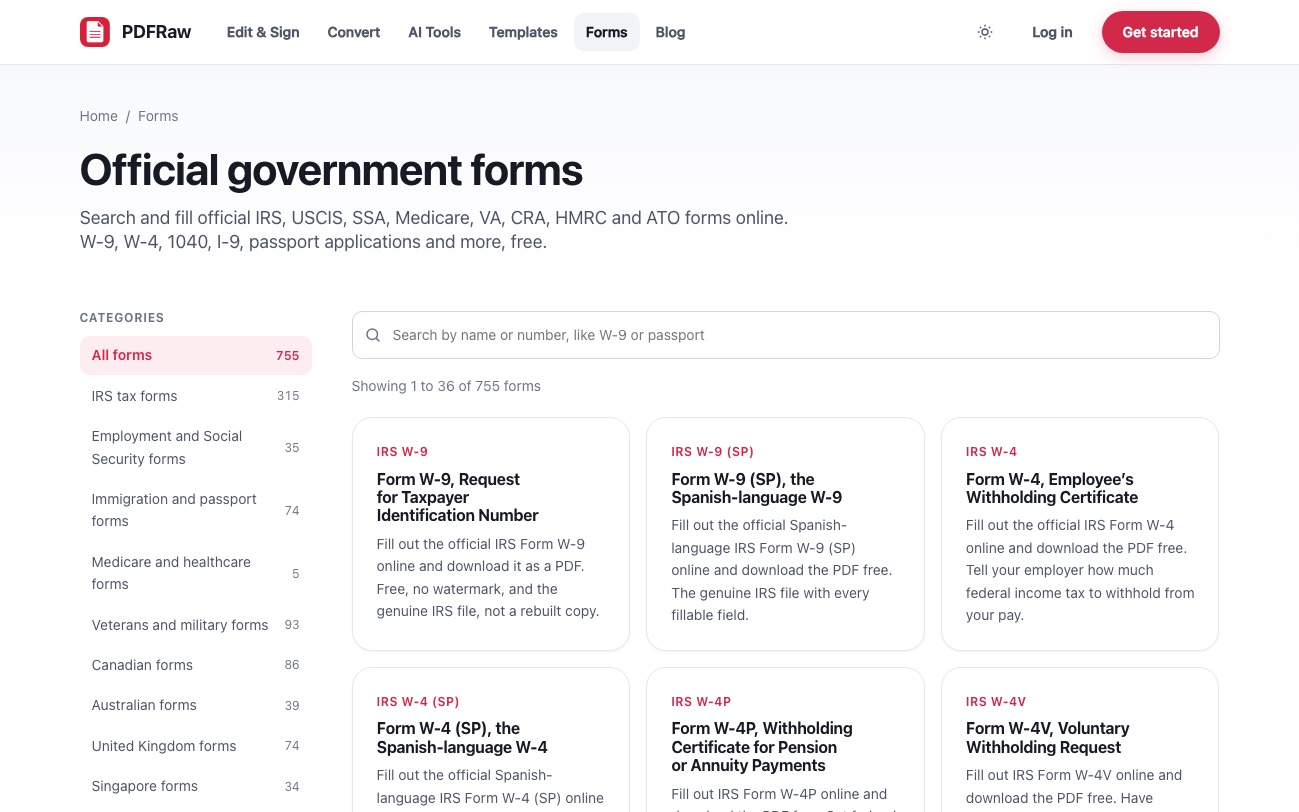
The catalog is organised by who issues the form:
- IRS tax forms: the W-4, W-9, 1040 family, the 1099 series, business returns and their schedules, plus the Spanish language variants.
- Employment and Social Security forms: Form I-9, the SS-5 card application, and the SSA forms behind benefits and appeals.
- Immigration and passport forms: USCIS petitions and applications such as N-400 and I-90, and State Department passport forms like DS-11.
- Medicare and healthcare forms: CMS enrollment and claim forms.
- Veterans and military forms: VA health care and disability claims, and records requests such as the SF-180.
- Outside the US: Canadian, Australian, United Kingdom, Singapore and Dutch agency forms, each from its own government source. Government forms beyond the IRS covers what is in each of those five, and the Dutch catalog has two guides of its own: which KVK form you need for company registration, and a Dutch tax bill you cannot pay for the Belastingdienst side.
Fill it in the browser
Every form page has a button that opens the official PDF in the editor with the file already loaded. You see the real pages, exactly as the agency laid them out, and you type into them.
What happens next depends on the form. Most official PDFs carry proper interactive fields, and those are detected and made editable, with the tab order preserved so you can walk a long form from the keyboard. Each answer is set in the field at its own size, so a value never renders larger or smaller than the field the agency drew. On forms with a set of radio options, picking one clears the others, the way the paper form intends.
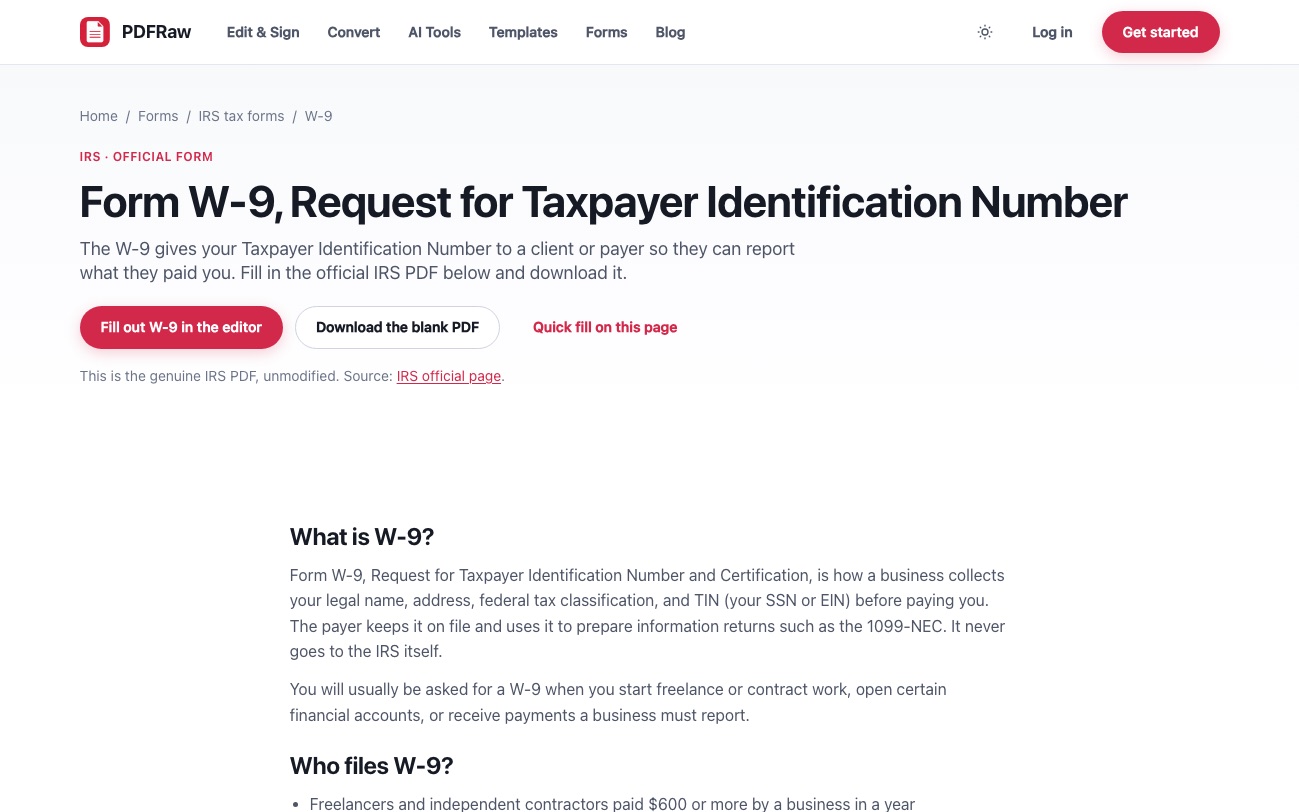
A few older forms have no interactive fields at all. Those still work: the text tool lets you click anywhere on the page and type, so an answer lands on the printed line whether or not the file has a field behind it. How to fill out a PDF form goes deeper on that case, including how to tell which kind of form you have.
Shorter forms also offer a quick fill panel on the form page itself: the form's own fields, listed page by page, that you type into and generate a filled PDF from. The label next to each box is now read straight off the printed page rather than an internal field name, which used to leave some forms showing boxes like "Check Box 23"; why PDF form fields have weird names covers where that came from. Anything you leave blank stays a live field in the downloaded file, so you can finish it later in any PDF reader. When the form is final, tick the lock option instead so the answers are drawn permanently into the page; why a filled PDF form looks blank to everyone else explains when that matters.
Sign it, then check it before you send
Most government forms end with a signature and a date. You can add both in the same pass: draw your signature, type it, or upload a photo of your real one, then place it on the line. There is no need to print a form purely to sign it. If the signature is the only thing left, the Sign PDF tool does the same job on its own, and how to sign a PDF online covers where an electronic signature is accepted.
Before you send anything, check five things:
- Identifying numbers. Social Security numbers, EINs, case numbers and receipt numbers are read by machines and by people who will not guess what you meant.
- Dates. A form signed with the wrong year is a common and entirely avoidable rejection.
- Signatures. Some forms need two, and a missing second signature bounces the whole submission.
- The revision date, usually printed in a corner. If the agency issued a newer revision since you downloaded, start again from the current file.
- Where it actually goes. Plenty of forms are not mailed to the agency at all. A W-9 goes to the business that asked for it, never to the IRS.
One more thing worth knowing: some forms must be filed electronically through an agency portal, and some are print only by design. The form page says so when that is the case, because a perfectly filled PDF that the agency will not accept by mail is not much use to you.
When no agency publishes the form you need
Not every document has an official version. A bill of sale, a power of attorney, an invoice, a lease: these are documents you create, and in most states no agency publishes a mandatory form for them.
That is what the form templates library is for. Those documents are written by us, generated as clean fillable PDFs, and kept separate from the official catalog on purpose. The line matters: an agency form is the agency's file, and a template is ours. Mixing the two would make the promise on the forms pages meaningless.
The legal templates also carry state by state execution guidance, because signing rules vary. Whether a power of attorney needs a notary, witnesses, or both depends entirely on where you sign it.
Frequently asked questions
Is filling out government forms online free?
Yes. Every form in the catalog is free to fill and download, with no watermark and no account required. You can also download the blank PDF on its own if you would rather print it.
Are these the real government forms?
Yes. Each one is the unmodified PDF published by the issuing agency, and every form page links to the official agency page it came from so you can verify it yourself.
Does PDFRaw submit the form to the agency for me?
No, and nothing you type is sent to the agency. You download the completed PDF and file it yourself, by mail, by email, or through the agency portal, whichever the form requires.
What happens to the form after I download it?
Files processed on our servers are deleted automatically two hours after upload. The blank agency PDFs are bundled with the site, so opening a form to fill does not upload anything of yours in the first place.
Can I sign a government form electronically?
You can add a signature to the PDF in the same pass as filling it. Whether the receiving agency accepts an electronic signature depends on the form, so check the instructions for anything consequential such as a tax return or an immigration petition.
What if my form is not in the catalog?
Download it from the agency and open it in the Fill PDF tool directly. The editor works on any PDF, including flat scans with no interactive fields.
Related articles
How to fill out a PDF form that will not let you type
Why your filled-in PDF form looks blank to everyone else

Is it safe to upload a PDF online? What to check first
Why a government form calls a box 'Check Box 23' instead of the question

Government paperwork outside the US: what PDFRaw fills in besides the IRS