Why one form wants 09/04/2026 and another wants 2026-09-04

You type a date into a government PDF, and nothing tells you whether it wanted 09/04/2026 or 04-09-2026 or 20260904. Sometimes the box silently reformats what you typed. Sometimes it accepts it and the agency reads it as a different day entirely.
This is what is actually going on underneath, and where the layout a given box expects comes from. It is a short answer with a long tail: across the 815 official forms in the PDFRaw catalog there are 4,156 date boxes, and they use 24 distinct layouts between them.
A PDF has no date field
Start with the thing that explains the rest: the PDF form specification has no date type. A box that holds a date is the same kind of object as a box that holds your surname, a plain text field. Whatever structure a date has on a form is either enforced by a script bolted on afterwards, or is not enforced at all and lives entirely in the caption printed beside it.
That is why a form can accept a date it will then misread. Nothing is validating it. The box takes the characters, the agency reads them under its own convention, and the two only agree if you happened to guess right.
So to offer a date picker that writes what the form expects, the layout has to be recovered from the document. There are three places to look, in order of how much they can be trusted.
First: the field's own format script
Acrobat has shipped a set of formatting scripts for decades, and form authors attach them to fields as they build them. A box formatted as a date gets an AFDate_Format call, and that call names the layout exactly, either by index into a fixed table of fourteen layouts or, in the extended version, by writing the picture string out in full. The same family covers times, and the special formats for a ZIP code, a phone number and a US social security number.
When that script is there the argument is over: it is the form author saying what this box is, and it is read before anything else. It is also the source that turns up least often. Plenty of agency PDFs carry no field scripts at all, which is why the other two sources do most of the work in practice.
A form that does carry one is settled in a line. A form that does not has to be read.
Second: the mask printed beside the box
Plenty of forms carry no script and solve the problem the analogue way, by printing the layout next to the box: "(MM/DD/YYYY)", or a row of letters spaced across the boxes as "DD / MM / Y Y Y Y". That is a real instruction, written for a person, and it is worth reading before any assumption about the country.
Recovering it takes a bit of care, because print puts space between letters that belong to one token. "Y Y Y Y" has to be joined back into YYYY before it reads as a mask at all. Once it is, the caption is treated as authoritative for that box.
Form I-9 shows both readings on one page. Most of its 21 date boxes resolve to MM/DD/YYYY, but two ask for the date as "mmddyyyy", with no separators, and those two are written without separators, because that is what the form asked for.
Australia's Form 80, the personal particulars form most visa categories rely on, is the largest case of this in the catalog. It has 90 date boxes, and they come out as DD-MMM-YYYY for 56 of them and MMM-YYYY for the 33 that only want a month and a year. Australia's convention is DD/MM/YYYY, and on this form the convention never gets a look in: across the Australian catalog the split runs 759 boxes on DD-MMM-YYYY against 37 on DD/MM/YYYY, because Home Affairs writes the layout on the form.
Third: the convention of whoever published it
When neither a script nor a printed mask says anything, the fallback is the convention of the country the form comes from. Catalog by catalog that is YYYY-MM-DD for Canada, DD/MM/YYYY for the UK, Australia and Singapore, DD-MM-YYYY for the Netherlands, and MM/DD/YYYY for the US forms, of which the IRS catalog alone runs to 315.
The totals across all 4,156 dated boxes come out roughly as you would expect from that: 2,365 on MM/DD/YYYY, 774 on DD-MMM-YYYY, 381 on DD/MM/YYYY, 145 on YYYYMMDD, 129 on YYYY-MM-DD, 113 on MMDDYYYY. The tail past that runs down to layouts used once.
This is also where the risk sits for anyone filing across two countries. 09/04/2026 is the ninth of April on a Dutch or British form and the fourth of September on a US one, and no box anywhere will tell you which reading it is applying. If you fill in forms from more than one country, that ambiguity is the single most useful thing to have in mind, and it is a good reason to read the caption on every date box rather than the first one.
The layout still has to fit the box
Knowing the layout is not the end of it, because plenty of boxes are too short to hold it. A PDF text field can declare a maximum length, and an eight-character box cannot take MM/DD/YYYY however much the country prefers it.
So the layout gets fitted to the box in steps: drop the separators first, so MM/DD/YYYY becomes MMDDYYYY, and if it still does not fit, shorten the year to two digits. If it still does not fit after that, the box is left as ordinary text rather than pretending to be a date, because a date picker that writes something the box truncates is worse than no picker.
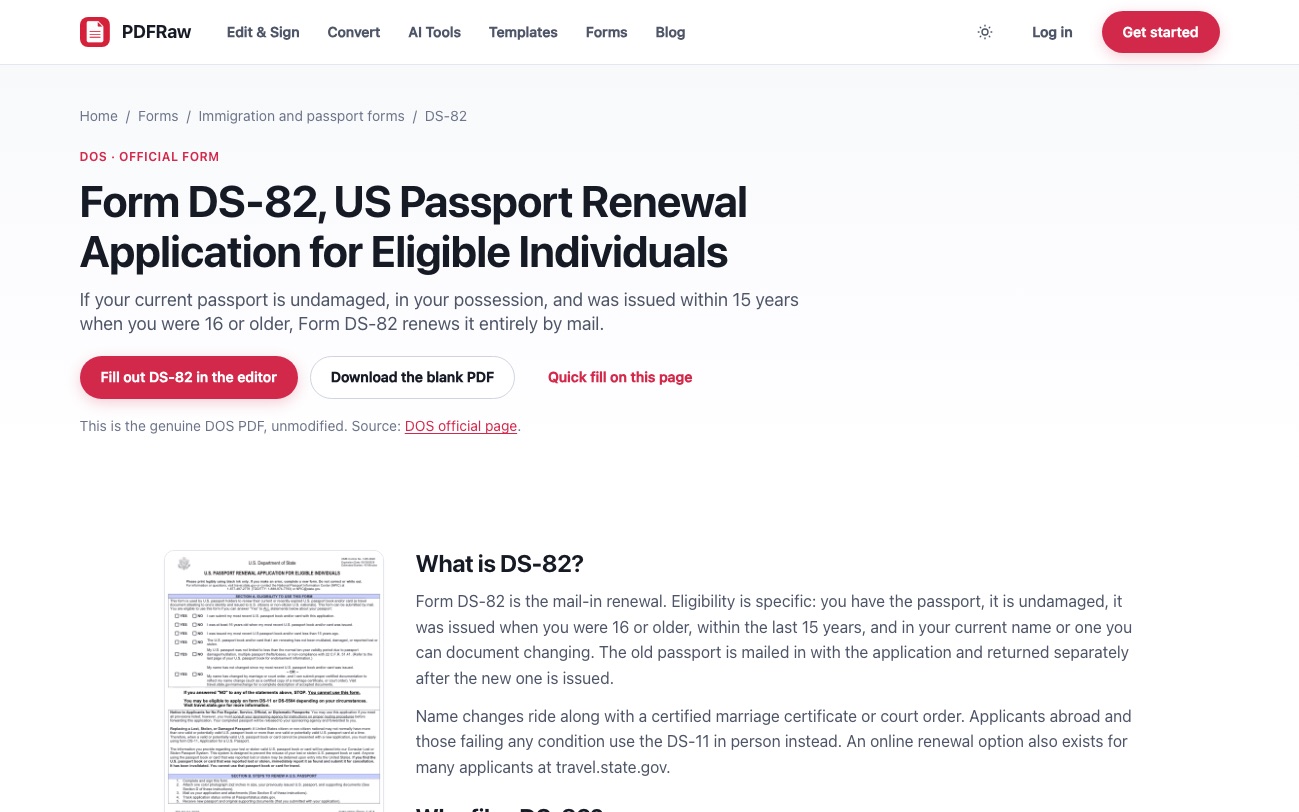
Form DS-82, the US passport renewal application, is the whole rule in one document. Six date boxes, one convention, two layouts: the card issue date and the book issue date each cap at eight characters and take MMDDYYYY, while the name change date, the two travel dates and the date of birth declare no limit and take MM/DD/YYYY. Same form, same day, written two ways, and the captions on those two short boxes still read "mm/dd/yyyy" as though they held the slashes.
And sometimes a date is three boxes
The other common shape is a date that was never one box to begin with. Forms split a date into separate month, day and year boxes constantly, and those are not date fields at all: a box that takes at most four characters and is captioned "Enter 2 digit month", or "Jaartal, 4 cijfers", holds one piece of a date.
Those get a numeric keypad and no picker, because a picker would have nowhere to write to. A four-character box that says year gets treated as a year in its own right. It is why the Dutch catalog looks so odd in the totals: Dutch forms split dates into Dag, Maand and Jaartal boxes almost everywhere, so only ten boxes across all 60 Dutch forms take a whole date at once.
Where a real date box does survive all of that, the fill form offers a date picker that writes the layout the PDF expects rather than the one your browser prefers, and a time box gets a time control that writes "2:05 PM" on a US form and "14:05" on the rest. Time boxes are rare, 25 of them in the whole catalog, but they break in exactly the same way when they are guessed at.
None of this is visible on the page you download, which is the point: the output is the agency's own PDF with the right characters in the right boxes. What the reading of these boxes cannot do is tell you which day you meant. Why your filled-in PDF form looks blank to everyone else covers the other half of getting a form to arrive intact, and why a form calls a box Check Box 23 covers where the captions themselves come from.
Frequently asked questions
Why does a PDF date box not validate what I type?
Because there is no date type in a PDF form. A date box is a plain text field, and any structure it has comes from a script the author attached or from the caption printed beside it. Plenty of boxes have neither.
How do I know which date format a form wants?
Look for a mask printed next to the box first, such as (MM/DD/YYYY) or DD / MM / Y Y Y Y, because that is the form telling you outright. If there is none, fall back to the convention of the country that published the form.
Why do two date boxes on the same form want different layouts?
Usually because one of them is shorter. When a box declares a maximum length too small for the full layout, the separators come out first and then the year is shortened. Form DS-82 writes MMDDYYYY in its two eight-character boxes and MM/DD/YYYY everywhere else.
Is 09/04/2026 the ninth of April or the fourth of September?
It depends entirely on who published the form. Ninth of April on a British, Australian or Dutch form; fourth of September on a US one. Nothing in the box itself resolves it, which is why the printed caption matters.
Why does a date have three separate boxes on some forms?
Because the form was printed that way, with a box each for day, month and year. Those are single number boxes rather than date fields, so they get a numeric keypad instead of a date picker. Dutch forms do this almost everywhere.
What happens if I type the wrong layout?
Usually nothing visible. The box takes the characters, and the agency reads them under its own convention, which is how a date can be accepted and still mean a different day than you intended.