Why a government form calls a box 'Check Box 23' instead of the question
You open a government PDF to fill it in, and instead of a question you get "Check Box 23", or "Text47", or a tooltip that reads "eld Works Order" where the label should say "Field Works Order". Nothing about your document is broken. The form itself has three different names for every box, and most fill tools show you the wrong one.
This guide explains where those three names come from, why the useful one usually goes missing, and how PDFRaw now reads the actual printed question off the page instead, across the 815 official forms it fills.
Every field on a PDF form has three names
The first is the field's internal name, buried in the PDF structure, meant for software to address the box by, never for a person to read. "Text47" and "Check Box 23" are exactly this: whatever the form building tool assigned when the field was created, in the order it happened to be drawn.
The second is the tooltip, technically the /TU entry, which is supposed to be a human readable hint that pops up on hover. In practice it is the field most often missing, one letter long, or a fragment where a longer caption got truncated, so "Field Works Order" survives as "eld Works Order" and a country field shows "oth cntry" instead of "birth country".
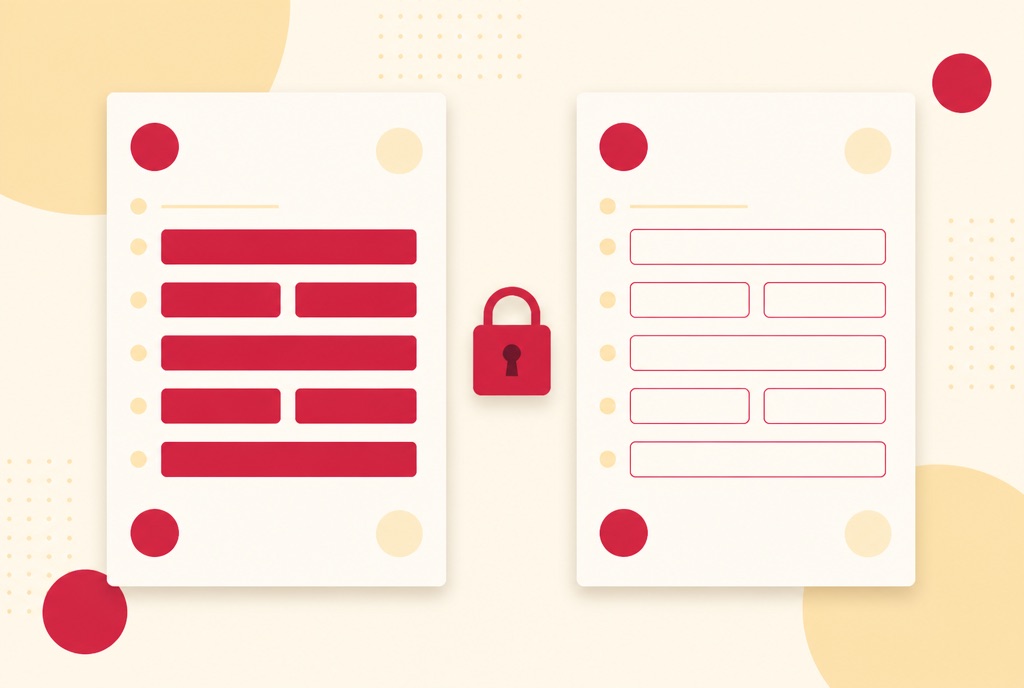
The third name is the one that actually matters: the question printed on the page next to the box. That caption was written for a human being to read, and it is almost always correct, because it is what the agency actually asked. The trouble is that nothing in the PDF's structure connects a field to the words sitting beside it on the page. A fill tool that only reads the internal name and the tooltip never sees it.
How a form ends up this way in the first place
Government forms are designed as print layouts first. The fillable fields are added afterward, often by an automated field recognizer in Acrobat that draws a box roughly where it detects a blank, and names it "Text47" because nobody told it what question that blank was answering. Agencies with more resources go back and hand write a tooltip; many do not, or only do it for some fields and not others.
Two variations compound the problem. Some agencies build the fillable version from an XFA template, an older interactive form technology, and stitch its data captions onto the PDF fields by position: get the position wrong by one and a "Yes" box on Schedule EIC inherits the label meant for its neighbor. And some checkboxes are not one field at all: a single question with three or four possible answers is drawn as three or four separate checkbox widgets, each with a different export value, which is really a multiple choice question wearing the disguise of several unrelated boxes.
The fix: read the caption off the printed page
PDFRaw's form generator maps every field's rectangle onto the words a raw text extraction reports for that page, then looks in the place a caption actually sits: to the left of a text box, inside it along the top edge, directly above it, or a column over in a table layout. For a checkbox it checks whichever side, left or right, is nearer. Where the only printed text is a bare "Yes" or "No", the question it belongs to gets joined on, rather than showing "Yes." as if that were the whole question.
The printed caption replaces a label that is an internal default, a one letter tooltip, a torn off fragment, or an abbreviation, while a name that already reads as ordinary words, like a captured "Emergency Contact City", is left alone. Fields with no direct page reference resolve through the page's own annotation list instead of failing silently.
Across the catalog this changed 9,039 labels: junk labels like "Text47" fell from 4,624 down to 1,153, and 6,412 fields now carry a caption read straight from print. It is not limited to US paperwork either. Form OPM-71, still searched for under its retired name SF-71, the NSW enduring power of attorney, the Victorian electrical work request, the UK's MOT exemption declaration V112 and the Schedule EIC were all part of the same pass.
When several checkboxes are really one question
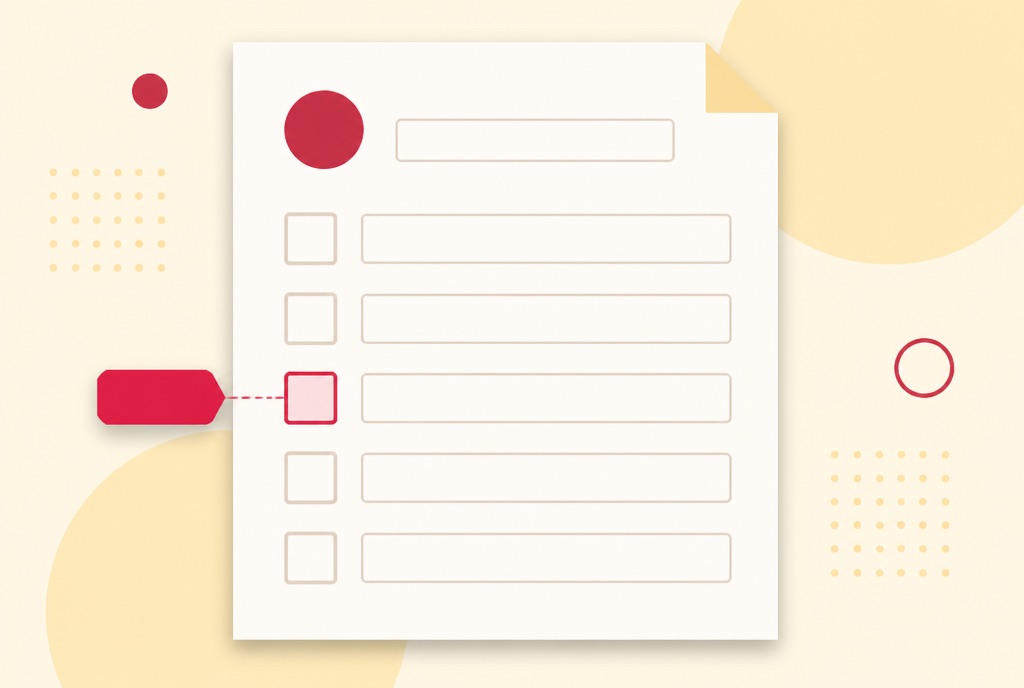
The disguised multiple choice question above turns up 1,472 times across forms from Australia's Home Affairs, the UK's Department for Work and Pensions, and New South Wales Land Registry Services. PDFRaw now presents that pattern as what it is: one set of options, each with the caption printed next to it, where picking one fills in the field's value and sets the right box's appearance, because a checkbox drawn as several widgets does not update by simply typing into the first one.
You do not need to know any of this to benefit from it. It only matters if you have ever stared at a printed government form wondering which box out of four unlabeled ones was the right one to tick, which is a genuinely common way to fill in the wrong answer on paper.
What this looks like when you fill in a form
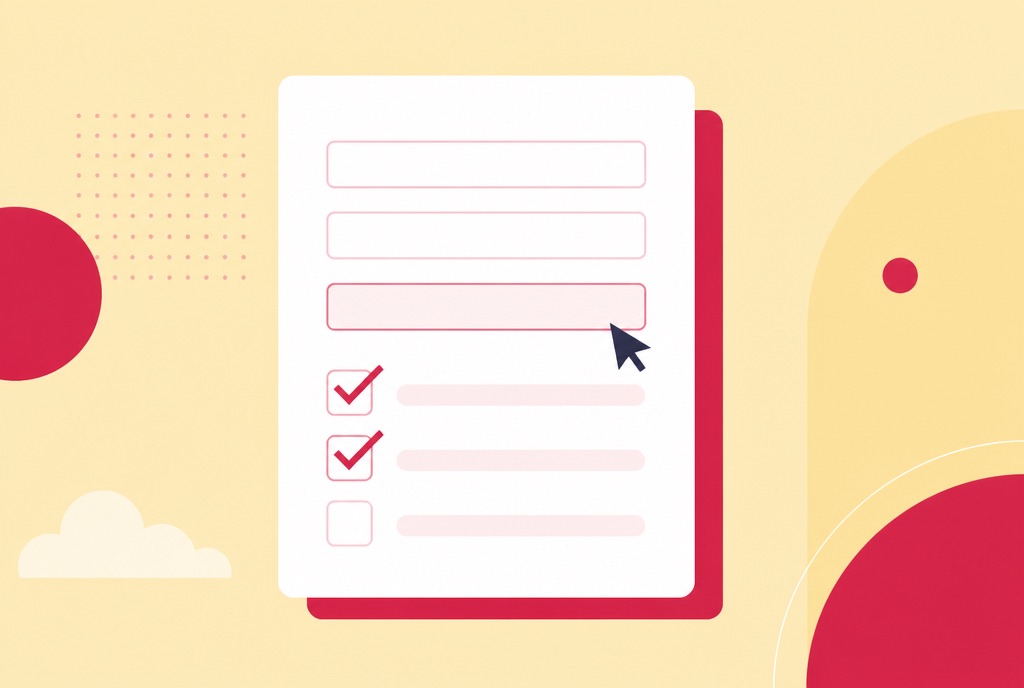
Open any form on PDFRaw and the quick fill panel now shows the question that was actually printed, not the box's internal name. Text fields carry the right kind of input too, a date picker where the form wants a date, a numeric keypad for a routing number, dashes placed automatically in a Social Security or EIN box, because the same pass that reads a field's caption off the page also reads what kind of answer that box expects. Working out which layout a date box wants turns out to be a problem of its own, covered in why one form wants 09/04/2026 and another wants 2026-09-04.
This is on top of, not instead of, filling the genuine agency PDF: PDFRaw never redraws a government form, only adds a fill layer over the real file. How to fill out government forms online covers finding the right form and the choice between the quick fill panel and the full editor. Where the printed question is in a language you do not read, filling out a Dutch form when you do not read Dutch is what this labelling work buys you.
If a label still looks wrong
A handful of forms carry captions too irregular, or a layout too dense, to map reliably, and an occasional field still shows its internal name rather than the question. When that happens, the printed PDF itself is still the ground truth: open it alongside the fill panel and confirm you are answering the question the page actually asks before you submit anything.
This is a different problem from a form you filled in correctly that then shows blank to someone else, which comes from how the values are drawn back onto the page rather than from field labels; why does my filled PDF form look blank covers that separately. And if the file will not accept typed input at all, how to fill out a PDF form covers flat scans with no fields, which is a different failure again.
Frequently asked questions
Why does my PDF form field say 'Text47' or 'Check Box 23'?
That is the field's internal name, assigned automatically by whatever software created the fillable form, in the order the boxes were drawn. It was never meant for a person to read; the question is printed on the page next to the box, in a different part of the file entirely.
Did I do something wrong if a form label looks garbled?
No. A torn off tooltip like "eld Works Order" or an abbreviation like "oth cntry" is a defect in how the fillable version of the form was built, usually years before you opened it. It has nothing to do with your browser, your device, or anything you typed.
Does this only affect US government forms?
No. The same fix applies across PDFRaw's Australian, UK, Canadian and Singapore forms, including the NSW enduring power of attorney, the Victorian electrical work request, and the UK's EP1PG notice, alongside US forms like the Schedule EIC.
How does PDFRaw know what a field actually means?
By mapping each field's position to the words a raw extraction of the page reports nearby: to the left of a box, along its top edge, directly above it, or a column over in a table, matching however a person reading the printed page would find the question.
Does fixing the label change the value I submit?
No. The label only changes what you see while filling in the form. The value that gets written into the field, and the field itself, are exactly what the agency's PDF defines; nothing about the underlying document changes.
What if several checkboxes seem to be one question?
Some forms draw a single multiple choice question as several separate checkbox widgets, each a different answer. PDFRaw shows these as one option group with the printed caption per choice, so picking one sets the right box instead of leaving you to guess which of several identical looking boxes is correct.