Typed, drawn, uploaded or notarized: which signature actually holds up
The Sign PDF tool lets you draw a signature, type it in a chosen style, upload a photo of your real one, and now save it so the next document is one click. That covers almost everything you will ever need to sign. It does not cover everything, and the gap is not about which signature method looks more official.
This guide sorts documents into the three situations that actually decide it: where any electronic signature works, where the document itself calls for ink and a notary or witness, and the smaller set of forms that specify who has to watch you sign.
Three ways to sign, and one thing that is not a signature
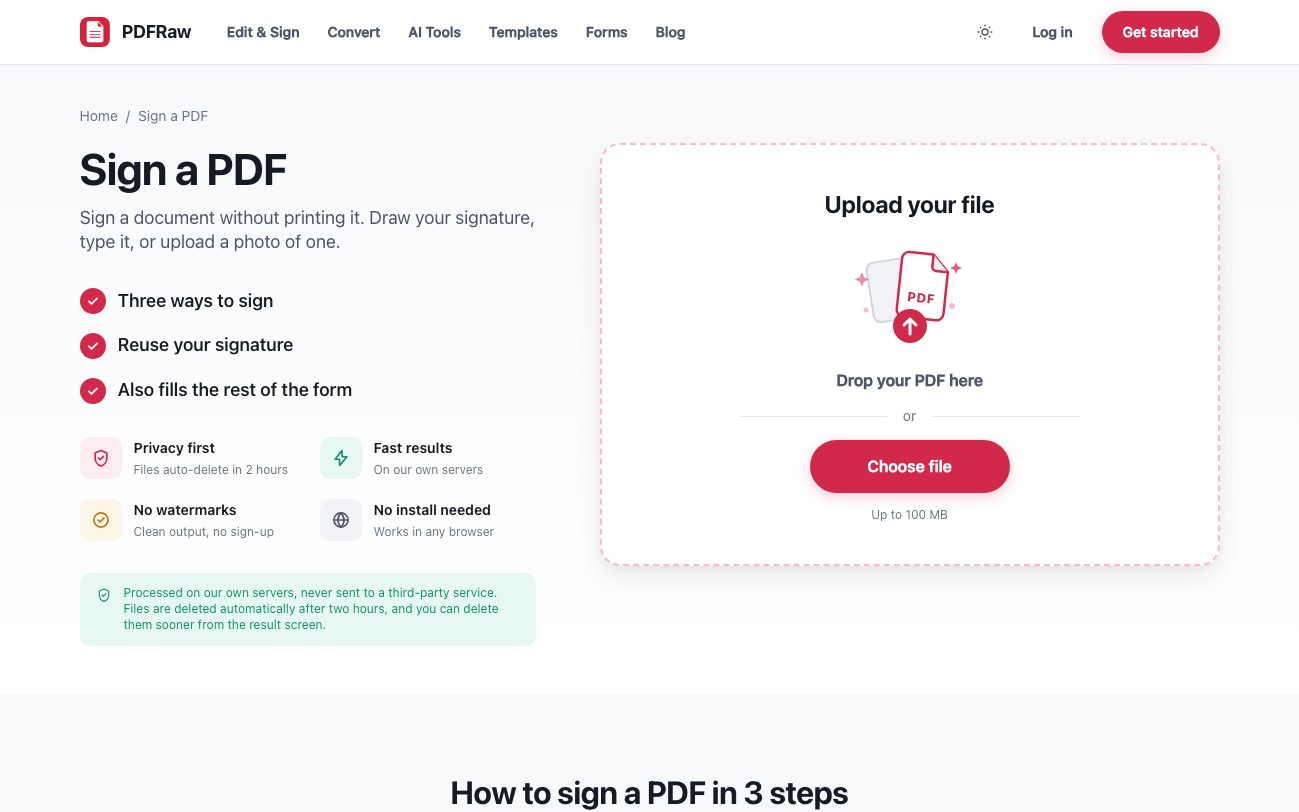
In the Sign PDF tool and the editor, a signature can be drawn with a mouse or finger, typed and rendered in one of four styles, or uploaded as a photo of your handwritten signature on paper. All three are placed as an image on the page, in your choice of ink color, and PDFRaw now remembers up to five of them so a document you sign often is a single click rather than a redraw.
None of this is the same thing as a notarized signature. Notarization is a separate act: a commissioned notary confirms your identity and witnesses you sign, in person or via approved remote video notarization, and adds their own seal and certificate. No amount of styling a typed signature substitutes for that, because the point of a notary is confirming who signed, not how neatly.
Where a typed or drawn signature is enough
For the large majority of business and personal paperwork, US federal law (the E-SIGN Act) and matching state law treat an electronic signature as legally equivalent to ink, provided both sides intended to sign electronically. Invoices, freelance agreements, informal receipts, most day to day contracts between people who trust each other: any of the three methods in the Sign PDF tool is genuinely enough, and reaching for a printer adds nothing.
This is also the case for the direct deposit authorization an employer asks a new hire to sign, and for most of PDFRaw's own business templates in everyday use: a timesheet, an expense report, a statement of work. Type it, sign it, send it.
Where PDFRaw's own templates tell you to print and sign in ink
Look closely at the signature section of PDFRaw's power of attorney, bill of sale, vehicle bill of sale, promissory note, residential lease and non-disclosure agreement, and each one carries the same instruction: sign in ink after printing, because many uses require witnesses or a notary that state rules define, not PDFRaw.
The reason is what these documents are for. A power of attorney has to convince a bank or a county office to let someone else act for you; a vehicle bill of sale has to survive a title transfer at the DMV; a promissory note has to hold up if the debt is ever disputed. Each of those third parties, not PDFRaw, decides whether a signature counts, and most of them want the version the state statute describes. How to set up a power of attorney covers exactly how sharply those rules vary by state, down to whether a notary or witnesses (or both) are required.
A signed loan between friends is the plainest example of why this matters: promissory note, loan agreement or IOU is worth writing down precisely because it might one day need to be enforced, and an enforceable document is one signed the way the document, and your state, actually expects.
Where the form tells you not to sign yet
A smaller category is not about ink versus electronic at all: it is a specific instruction to sign in front of a named person, at a specific moment. Form DS-11, the in-person US passport application, says so directly: fill it out, print it, and do not sign until the acceptance agent at the post office or passport agency tells you to. Signing early does not make the form invalid in some abstract sense, it makes it unusable, because the whole point is the agent watching the signature happen.
Treat any form with that kind of instruction literally. It is not a formality left over from a paper era; it is the mechanism by which the agency confirms the person applying is the person who showed up.
A quick way to decide
- Read the document's own signature section first. If it says nothing about witnesses or notarization, an electronic signature is almost certainly fine.
- If it mentions witnesses, a notary, or "acknowledgment", print it and sign it in ink in front of that person; an electronic signature does not satisfy the requirement no matter how it looks.
- If the form itself says not to sign until a specific moment, such as in front of an official, wait. Fill in everything else first.
- When in doubt on anything involving real property, a large sum of money, or a court, treat ink and notarization as the safe default even if the document does not spell it out.
Whichever way you end up signing, how to sign a PDF online covers the mechanics of the Sign PDF tool itself, including where a drawn signature genuinely does travel as well as a scanned wet one for anything that does not need a notary. If you go the scanned route, how to get rid of the white box around a scanned signature deals with the part that makes an uploaded signature look pasted on.
Frequently asked questions
Is a typed signature legally binding?
For most contracts and everyday paperwork, yes: US federal and state law generally treat a typed, drawn or uploaded electronic signature as equivalent to ink when both parties intend to sign electronically. It is not a substitute for notarization or witnessing where a document specifically requires one.
Can I use an electronic signature on a power of attorney?
Usually not on its own. Most states require a power of attorney to be notarized, witnessed, or both before institutions will accept it, and that requirement is about a person confirming your identity as you sign, which an electronic signature does not provide.
Why do PDFRaw's legal templates say to sign in ink?
Because documents like a power of attorney, a bill of sale or a promissory note are judged by third parties, banks, DMVs, courts, who generally expect the notarization or witnessing their state requires, not by PDFRaw. The templates flag it so you notarize before it matters rather than after.
What is the difference between a drawn and a typed signature in the Sign PDF tool?
Both are placed as an image on the page in your chosen ink color; a drawn one traces your mouse or finger, a typed one renders your name in one of four signature styles. Neither is more or less legally valid than the other; the difference is purely how it looks.
Does PDFRaw store my signature?
Only if you choose to save it. Saved signatures are kept so you can reuse them with one click, capped at five, with the oldest replaced first; deleting one removes it immediately.
Can I sign a document electronically and still have it notarized later?
No, not in the usual sense. Notarization requires the notary to witness the actual signing. If a document needs one, sign it in ink in front of the notary rather than signing electronically first.