
How to fill out a PDF form that will not let you type
Fill out any PDF form in your browser, even a flat scan with no real fields. Click anywhere and type, sign in the same pass, and print it identically.
Fill out any PDF form in your browser, even a flat scan with no real fields. Click anywhere and type, sign in the same pass, and print it identically.
Add a password to a PDF with real AES-256 encryption, control printing and copying, and understand what a PDF password does and does not protect.
Turn sideways or upside-down PDF pages the right way up, permanently. Why rotating in a viewer does not save, and how to fix all pages or just a few.
Remove single pages or whole ranges from a PDF in your browser. Preview thumbnails before you commit, and the remaining pages keep their full quality.
The real reasons a PDF hits 40 MB: high-DPI scans, camera photos, embedded fonts and duplicated data. How to tell which you have and shrink it free online.
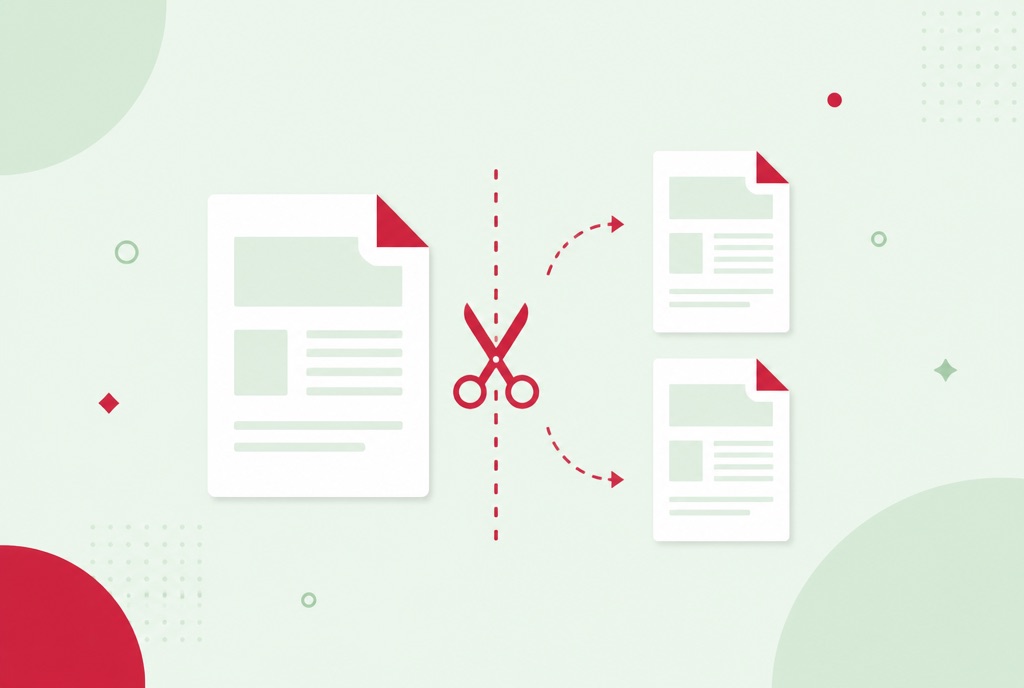
Split a PDF into single pages, fixed chunks or exact page ranges, and download the parts one by one or as a ZIP. Free, no watermark, no account needed.
The four reasons a PDF refuses to be edited: it is a scan, it is password protected, it is flattened or signed, or your app is a viewer. Diagnosis and fixes.
Edit PDF text, images and pages free in your browser, no Acrobat subscription. What browser editing handles, and when converting to Word is the better fix.
The three documents every small business sends, what each one commits you to, what belongs on each, and free fillable templates for all three.